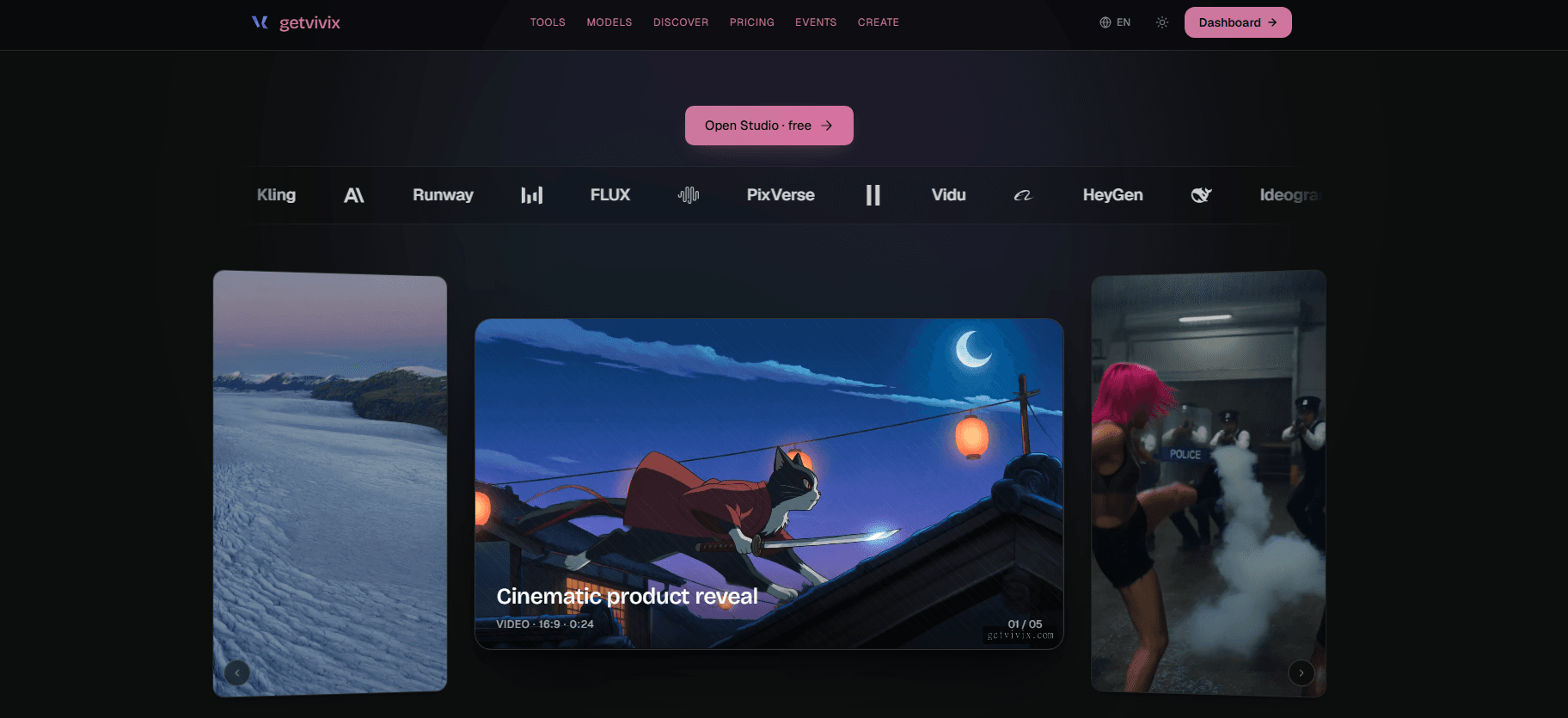
1. getvivix — best for original AI video, image, and voice
getvivix runs 100+ frontier models — Sora 2, Veo 3.1, Kling 3.0 — instead of matching a script to a stock clip, it renders new frames or a consent-gated avatar, cost shown first.
Pictory turns scripts and blog posts into video by matching each sentence to a clip from a stock library the company puts at roughly 18 million videos from Getty Images and Storyblocks — it doesn't render original footage. If you want AI-generated video, a talking avatar, or a different free tier, these 8 alternatives (getvivix, the AI studio at getvivix.com, first) are judged on what each renders — capability facts only, no price guessing.
Capability facts current as of July 2026.
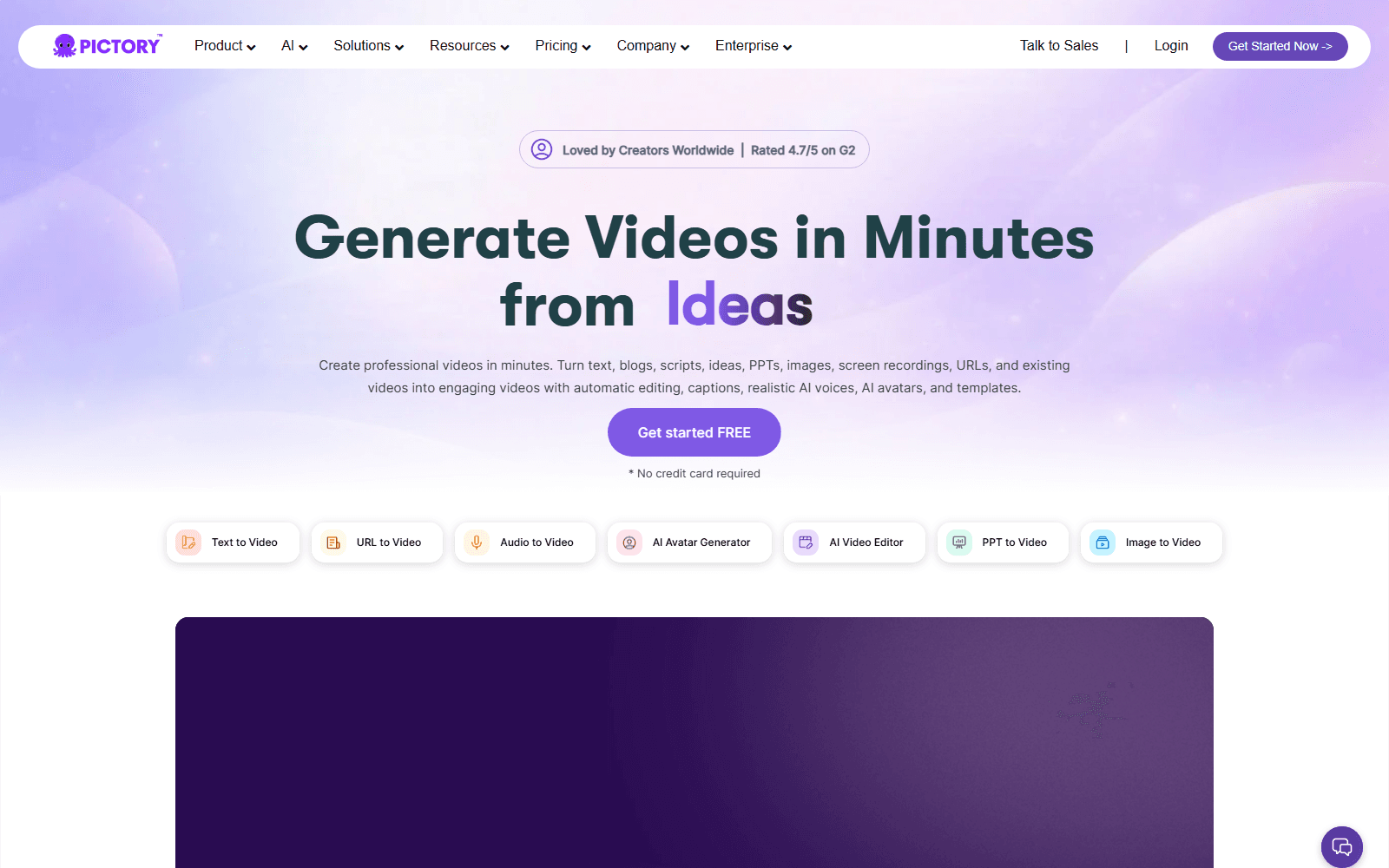
Pictory — the stock-matching, script-to-video tool this page compares alternatives against.
| Platform | Video | Audio | Free tier | Best for | On getvivix |
|---|---|---|---|---|---|
| getvivix | Yes — 12+ models, native 4K on select, 1080p elsewhere | Yes — TTS and voice cloning, no music | 3 credits on signup, no card | original AI video, image, and voice | — |
| InVideo | Yes — AI script-to-video, templated stock and AI B-roll | Yes — AI voiceover, multilingual | Free plan, watermarked, capped weekly minutes, 720p export | script-to-video with AI voiceover and templates | No — InVideo's own platform only |
| Synthesia | Yes — stock or custom AI avatar presenter video | Yes — its own voice library | 10 minutes a month at 1080p, watermarked | a team-shared AI presenter library | No — Synthesia's own platform only |
| HeyGen | Yes — AI avatar from a photo or stock avatar, script-driven | Yes — voice cloning and text-to-speech | 3 videos a month, 60 seconds each, 720p, watermarked | a single talking-avatar clip | Partial — Avatar IV/V run here; HeyGen’s own app doesn’t |
| Captions | Yes — AI talking-video edits and dubbing on existing footage, not new scenes | Yes — auto-captions, AI dubbing and voice tools | Free plan, limited captioning minutes, no AI-tool credits, watermarked | captioning and dubbing existing footage | No — Captions' own platform only |
| CapCut | Yes — timeline editor with AI auto-cut, background removal, not script-to-video | Yes — auto-captions and some dubbing tools | Free, no watermark, 1080p export (4K on paid), limited AI credits | editing and captioning short-form social video | No — CapCut's own platform only |
| TopView | Yes — AI avatar product/UGC ad video; free clips cap at 15s | Yes — AI voiceover, translated across many languages | 10 credits, 1 custom avatar, watermarked | an AI avatar product-ad video | No — TopView's own platform only |
| Vidnoz | Yes — AI avatar and talking-photo video, large template library | Yes — hundreds of text-to-speech voices | 720p, 3 minutes a day of avatar video, watermarked | budget AI avatar video from templates | No — Vidnoz's own platform only |
No pricing figures on this page — ours or any vendor's. For current pricing: getvivix pricing, or check each vendor directly.
Pictory is fast and competent at repurposing text into a narrated video — if the source is a blog post or script and stock footage is good enough, it does the job well.
Every visual comes from a shared stock library, not a prompt — two scripts with similar keywords can surface the same clip, because the engine searches a library instead of rendering what was described.
The free trial is watermarked and resolution-capped; unwatermarked 1080p needs a paid plan — 1080p is the ceiling, no 4K on any tier.
getvivix runs 100+ frontier models — Sora 2, Veo 3.1, Kling 3.0 — instead of matching a script to a stock clip, it renders new frames or a consent-gated avatar, cost shown first.
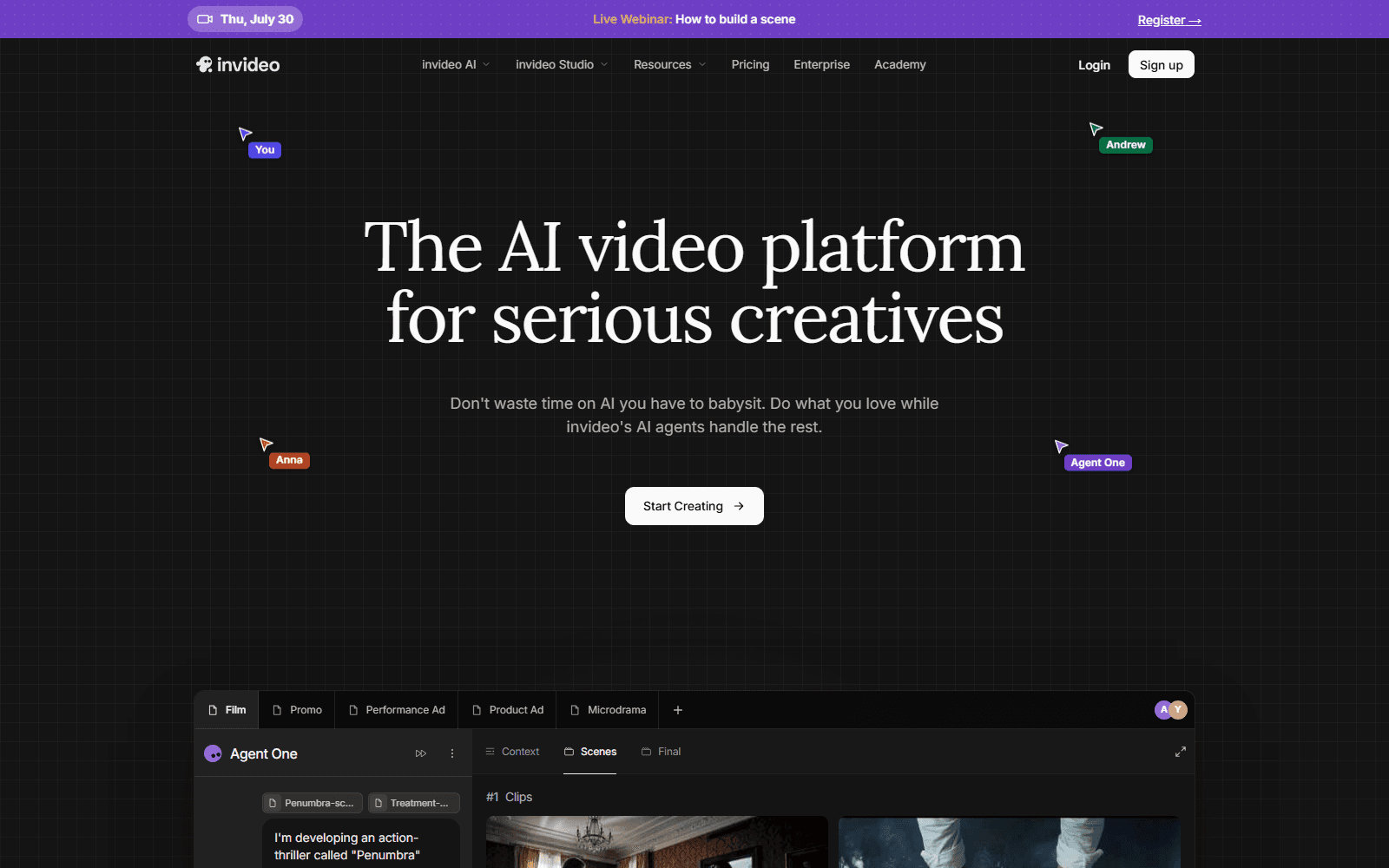
InVideo is the closest match to Pictory's workflow — paste a script and it assembles voiceover, captions, and B-roll into a template, trading clip control for a branded look.
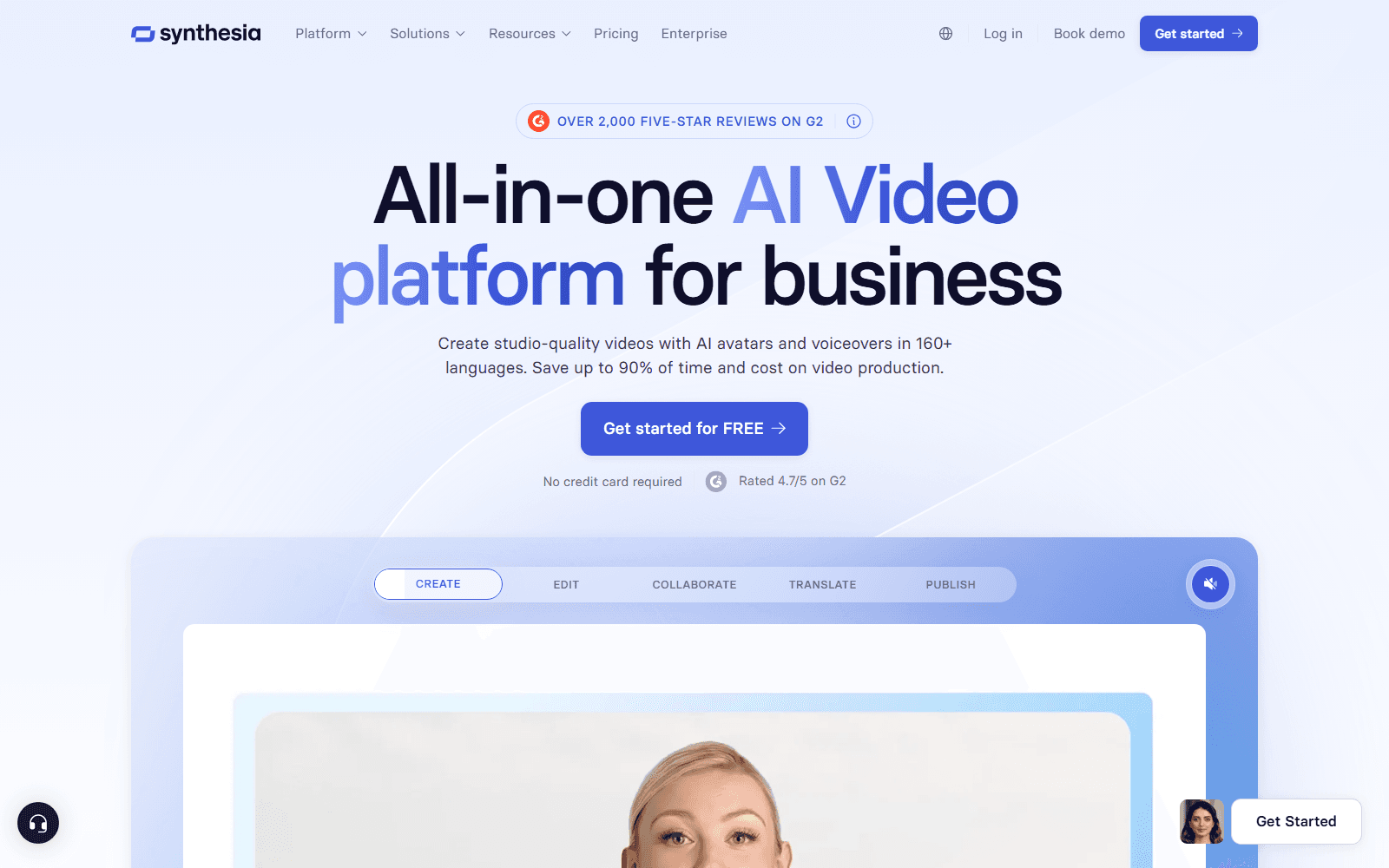
Synthesia skips B-roll — it's built around a stock or custom AI avatar reading a script to camera, with shared templates and team seats. If presenter output is the goal, it's the more direct swap.
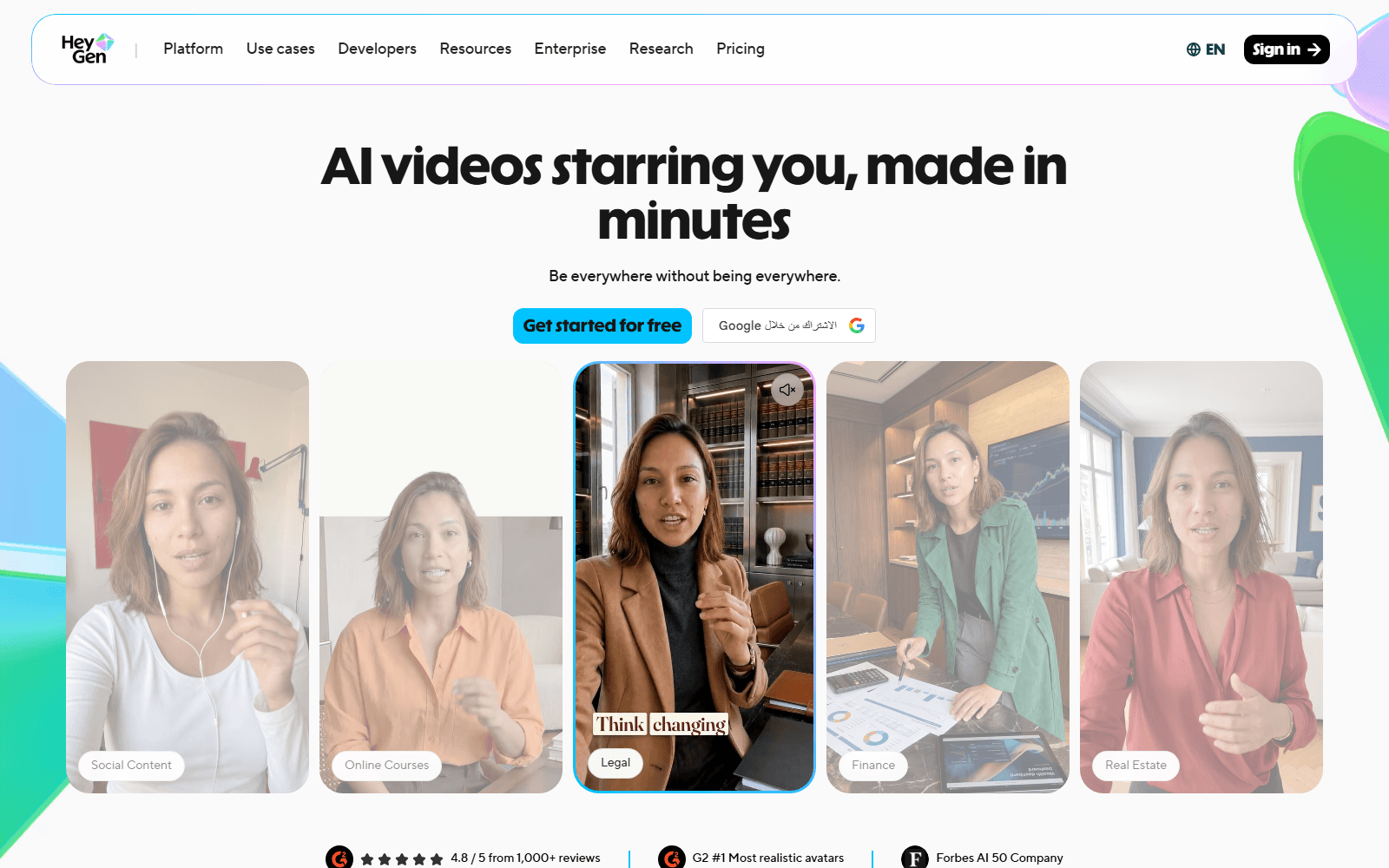
HeyGen turns one photo or a stock avatar into a talking presenter, script- or voice-driven. getvivix runs its Avatar IV and V directly, so no separate account is needed — though HeyGen's own app has editing tools getvivix doesn't replicate.
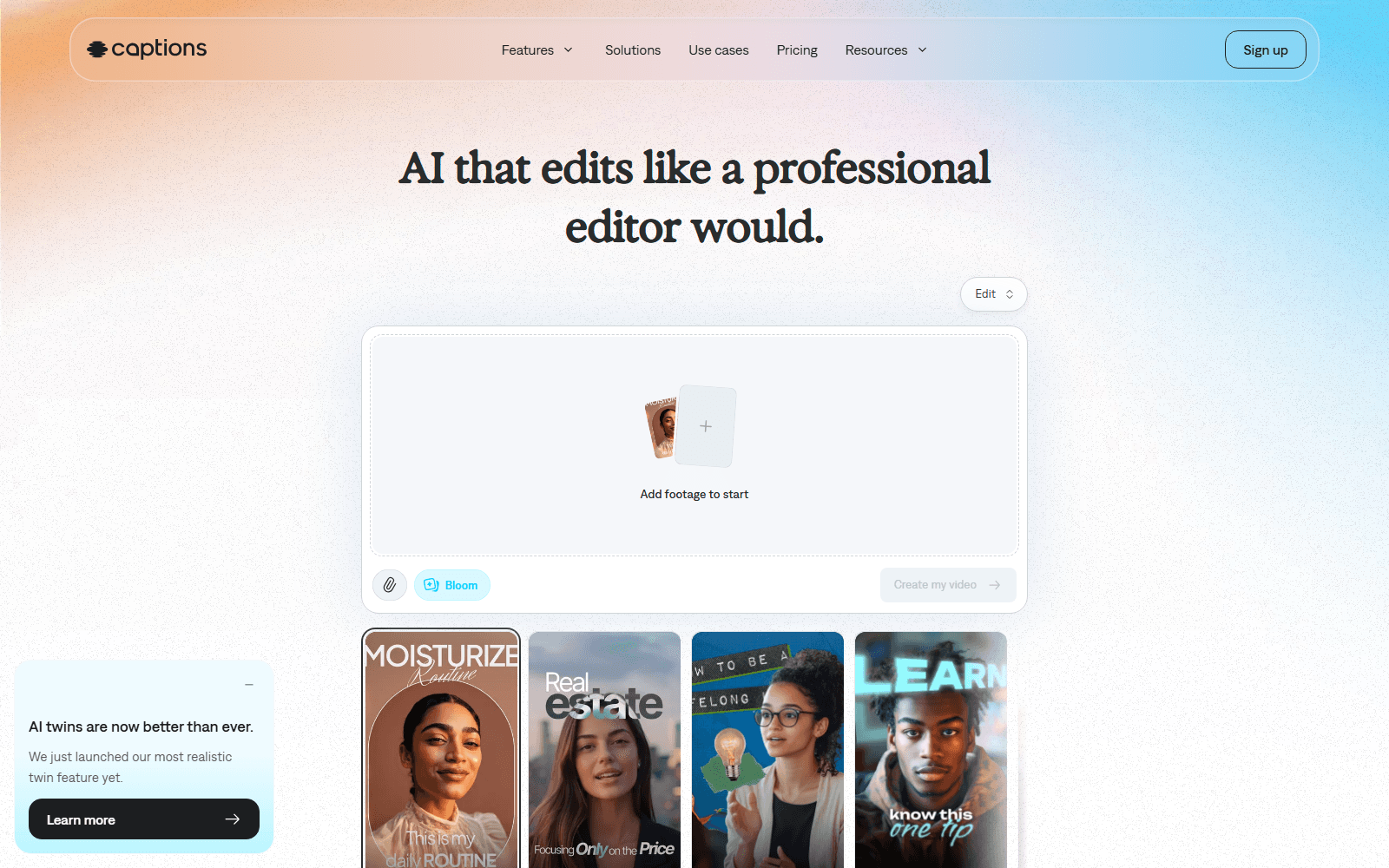
Captions is built around footage already shot — auto-captioning, translating, dubbing, cleaning up a talking-head take — rather than generating new scenes. Right pick for editing footage, not creating new visuals.
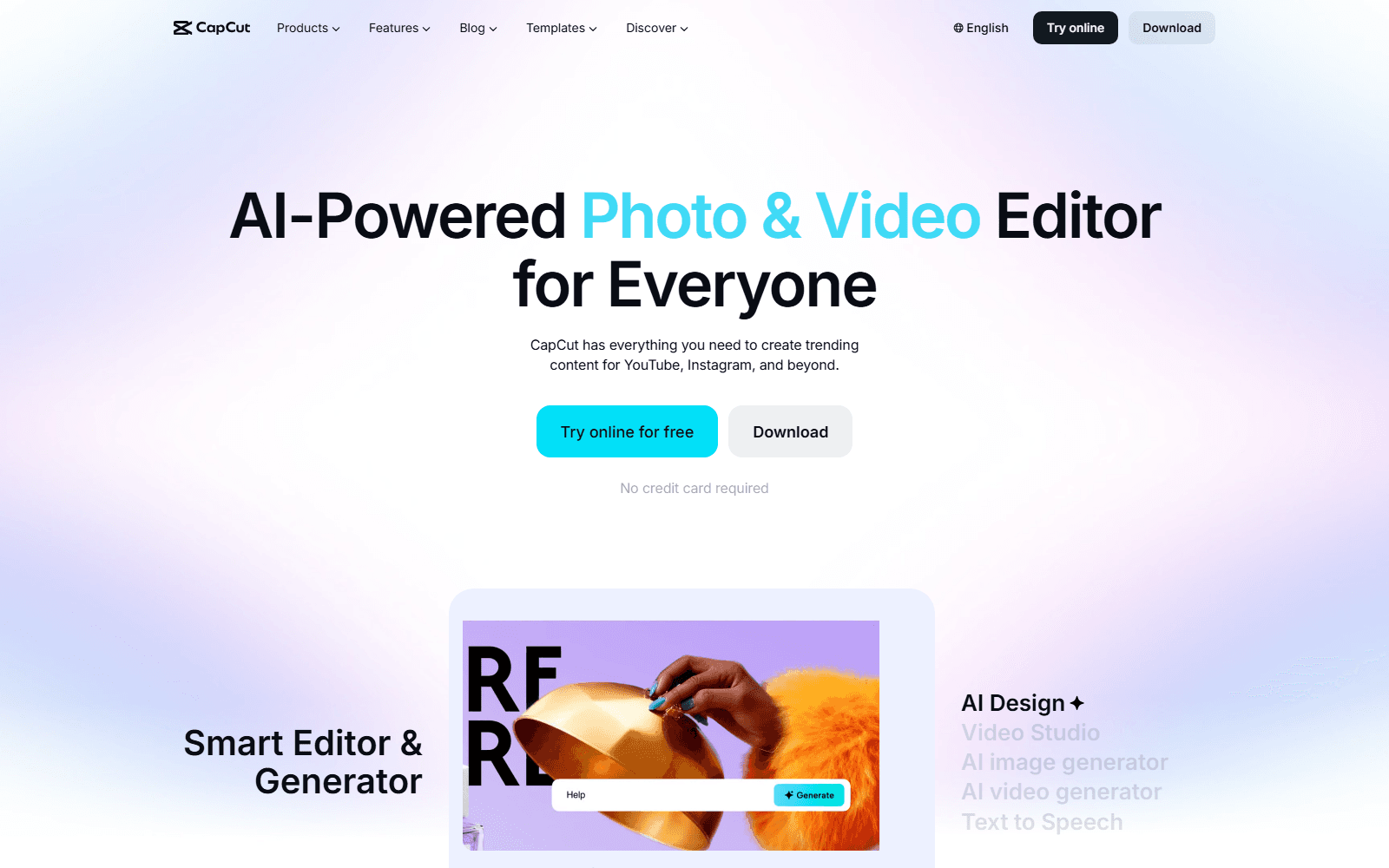
CapCut isn't a script-to-video generator — it's a timeline editor with AI extras: auto-captions, auto-cut, background removal. For chopping and captioning TikTok or Reels footage, it's the faster tool.
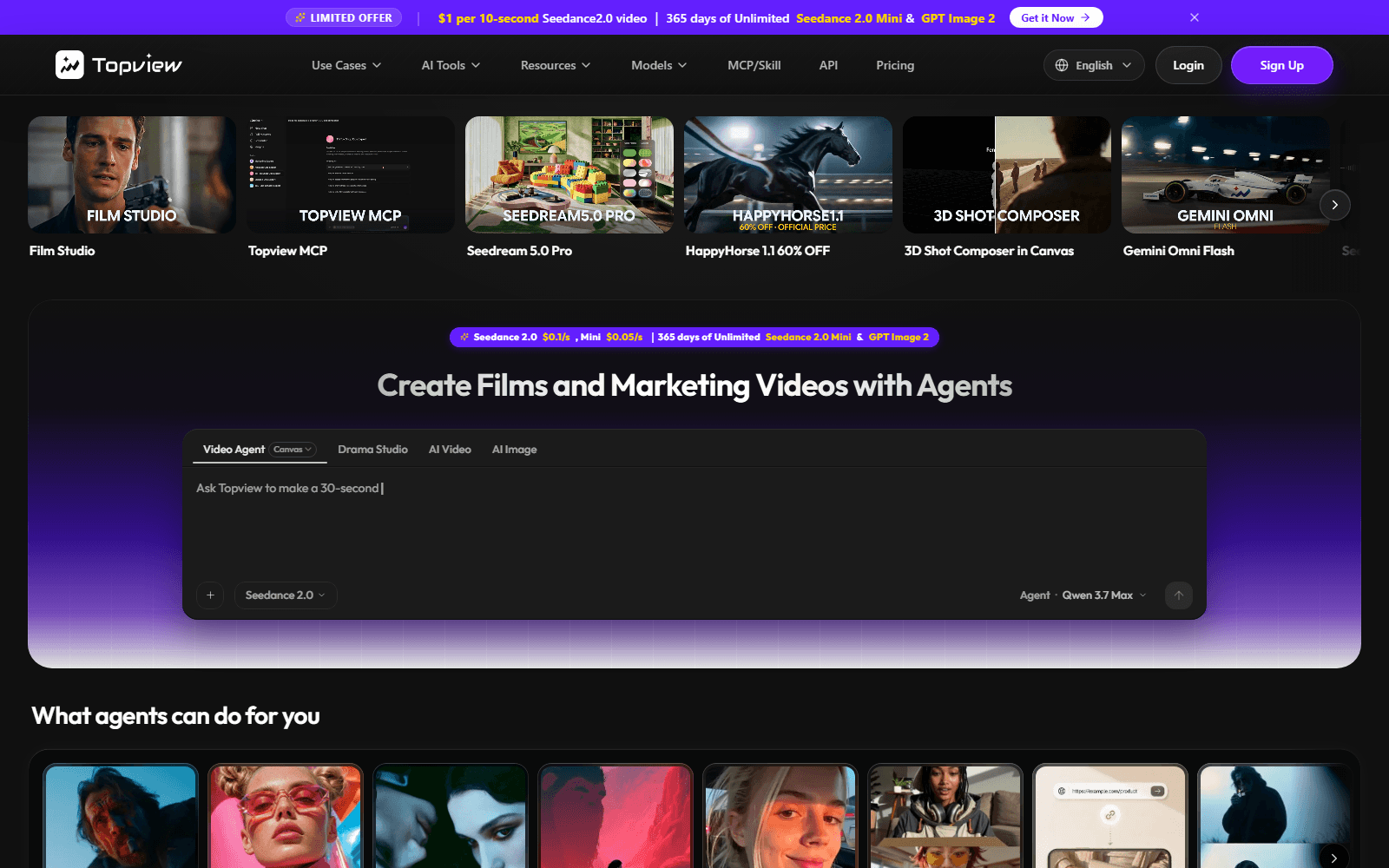
TopView is built for UGC-style product ads — feed it a URL or script and it builds a short ad with an AI avatar and voiceover, purpose-built for that one job.
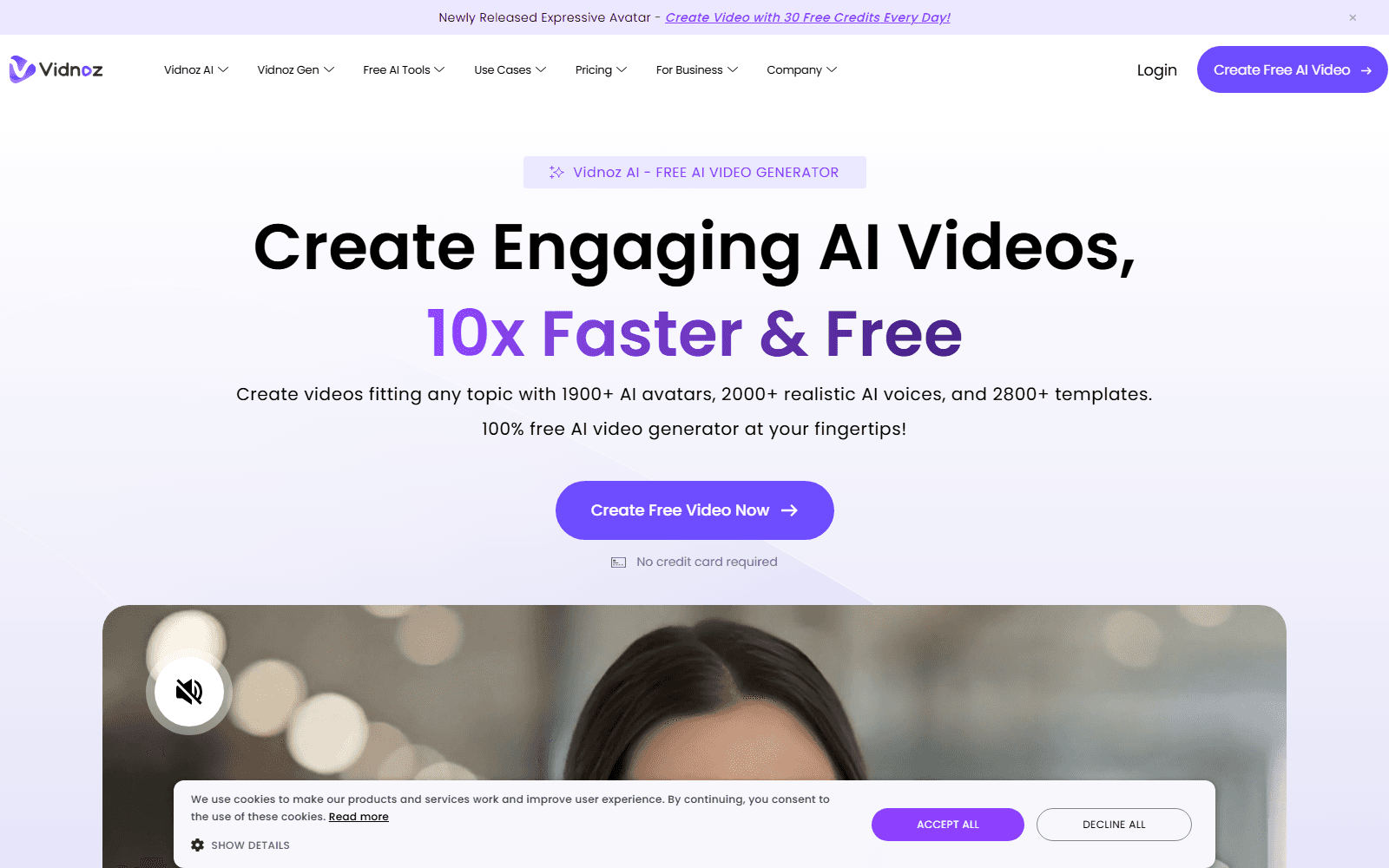
Vidnoz is a template-heavy, budget route to the same talking-avatar output HeyGen and Synthesia sell — thousands of avatars, hundreds of voices, volume over polish. It skips Pictory's stock-matching entirely.
| If your job is | Use | Why, in one line |
|---|---|---|
| Narrated video from a blog post, fast | Pictory | Its actual job; stay put |
| Original AI video from a text prompt | getvivix | 100+ models render new frames |
| A team-shared AI avatar library | Synthesia | Seat pricing, shared templates |
| A one-off talking-avatar clip | HeyGen (or getvivix) | Same Avatar IV/V models here |
| Fast captioned edit for TikTok/Reels | CapCut | 1080p free, no watermark |
| A UGC-style product ad | TopView | Purpose-built for that job |
| Captioning footage you already shot | Captions | Edits existing footage only |
Every alternative above runs on its own account and free tier. getvivix's is the one where nothing generates without the credit cost showing first — including the HeyGen avatar models it runs.
If the job is repurposing long-form articles into narrated stock-footage video at volume — matching text to clips fast, not designing new visuals — stay on Pictory. Its indexed library is the better-suited engine for that job; getvivix generates new frames from a prompt and was never built to search one.
Nothing, in the AI-render sense. It matches sentences in a script to clips from a licensed stock library the company puts at roughly 18 million videos — assembly, not generation.
For unwatermarked 1080p with no time cap, CapCut's free plan is the most generous. For real AI generation, getvivix gives 3 credits on signup, no card.
Not by stock-matching. getvivix doesn't search a clip library for footage that fits a sentence — it generates new frames from a written prompt instead.
getvivix and CapCut both pass Pictory’s 1080p ceiling — getvivix natively on Kling 3.0 4K and Seedance 2.0, CapCut on paid plans. For avatars: HeyGen and Synthesia give a polished presenter, Vidnoz a bigger template library; getvivix runs HeyGen’s Avatar IV/V directly.
getvivix's own figures come from its live model catalog and pricing page, regenerated every deploy. Every other platform's capability facts are current as of July 2026 and can change — confirm specifics with that provider first.
getvivix (getvivix.com) is unrelated to the Vivix supplement brand. Pictory, InVideo, Synthesia, HeyGen, Captions, CapCut, TopView, and Vidnoz are trademarks of their respective owners; this page is independent and not affiliated with any of them.