7 InVideo alternatives worth a look in 2026

Checked against each vendor's own site on 28 July 2026. No prices anywhere on this page — capability facts only.

The short answer

InVideo's free plan caps exports with a watermark and a weekly generation allowance — fine for a first look, not for shipping anything. Of the seven alternatives here, Pictory is the closest swap for InVideo's script-to-stock-footage workflow, TopView is sharper for an AI-avatar product ad, and getvivix is the only one that generates footage instead of assembling it from stock.

  • InVideo free tier: watermarked, capped weekly generation
  • Most generous free tier here: Synthesia, 10 min/month at 1080p
  • Only generative (non-stock) option: getvivix, 250+ models

Why do people leave InVideo?

InVideo's core strength — 200+ stock and AI models, with iStock and Storyblocks footage on tap — is also why some people leave: the output reads as templated.

  • The free plan exports carry a visible watermark, and generation is capped on a weekly allowance that resets rather than accumulating.

  • Unused credits don't roll over month to month on any paid plan — a light month doesn't bank for later.

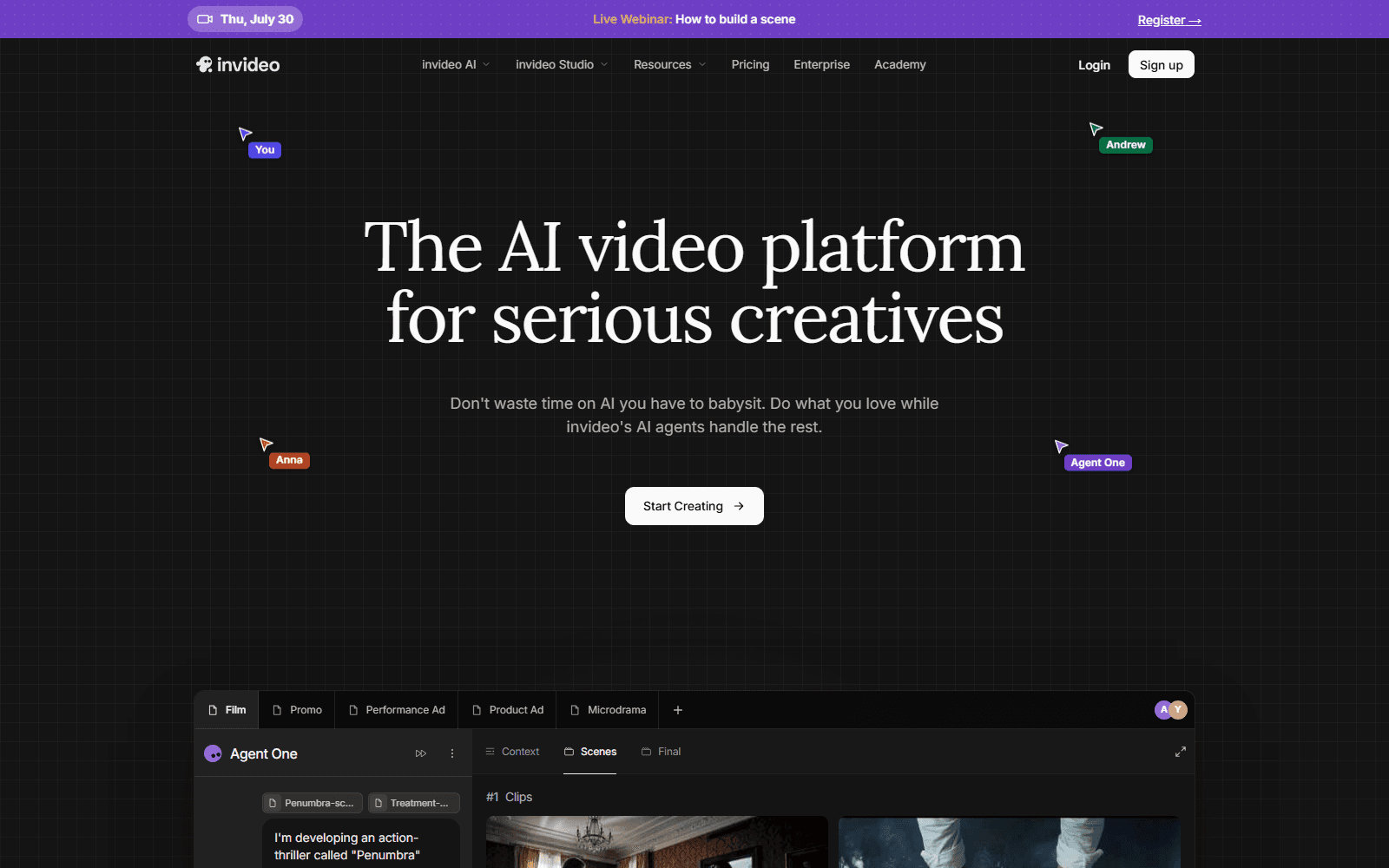
InVideo homepage screenshot

How were these seven picked?

  • Same core job as InVideo: script, product, or idea into finished video, no camera crew.
  • A free route verified on the vendor's own site, not a third-party estimate.
  • Pulled only from getvivix's confirmed set of real, recognizable AI tools.

What does each one actually do?

getvivix and 6 InVideo alternatives, compared by capability, not price.
PlatformImageVideoAudioFree tierBest forOn getvivix
getvivixYes — 90+ image modelsYes — 60+ text-to-video, 70+ image-to-video modelsVoice/TTS + AI-presenter mouth-sync, no musicYes — 3 credits on signup + 3/day, no card requiredoriginal AI-generated video, image, and voice on one subscriptionYes
PictoryStock library, not generativeYes — script/blog matched to stock clips automaticallyVoice/TTS — ElevenLabs voices, Getty/Storyblocks musicYes — free trial, no card required, capped at 3 projects, watermarkedturning a blog post or script into stock-footage video fastNo
TopViewProduct-photo based, not open-ended generationYes — AI avatar-led ad and product videoVoice/TTS — AI voiceover, per-plan voice-cloning allowanceNo — every published tier is paidAI-avatar product and ad video generationNo
CapCutYes — AI image generation, enhancement, background removalYes — timeline editor, template-driven, some AI video generationVoice/TTS plus licensed music and SFXYes — no watermark, up to 1080p, no card requiredfast template-based edits on footage you already haveNo
VidnozYes — AI headshot and photo toolsYes — avatar video from a template and a scriptVoice/TTS — 140+ language voicesYes — daily credits, 3 min/video cap, 720p, watermarkedfast templated AI-avatar video in many languagesNo
CaptionsNo — not an image generatorYes — AI-twin/digital-avatar talking-head videoVoice/TTS — AI avatar voice and dubbingYes — captions free in 100+ languages; zero AI creditssolo-creator talking-head video with auto-captionsNo
SynthesiaNo — not an image generatorYes — stock or custom AI presenter reading a scriptVoice/TTS — its own voice libraryYes — 10 minutes a month, 1920x1080, watermarkedcorporate training video with a stock presenter, no filmingNo

No price figures in this table on purpose — ours or anyone else's. getvivix's own current pricing lives on our pricing page.

Which one holds up for your job?

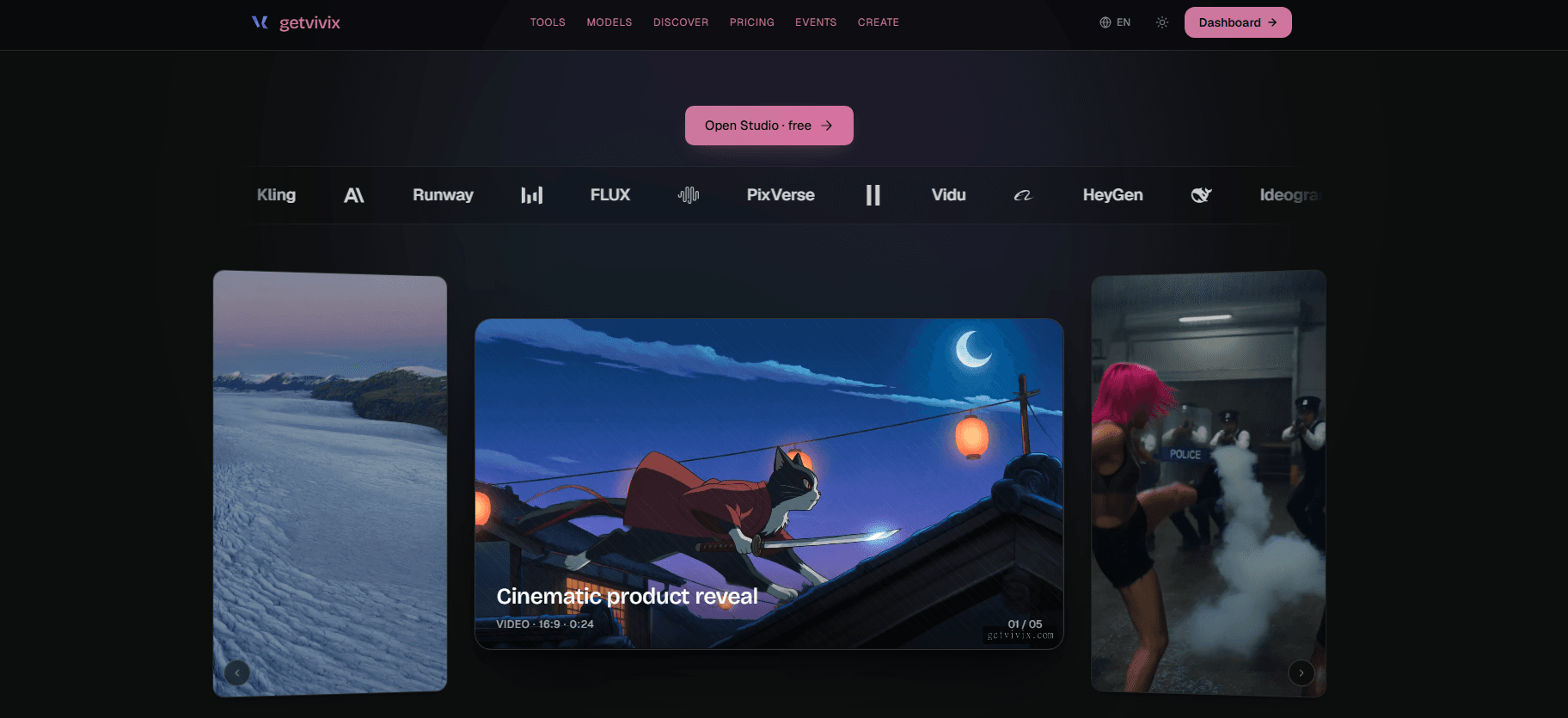
getvivix homepage screenshot

1. getvivix  —  best for original AI-generated video, image, and voice on one subscription

getvivix generates the footage itself, from 250+ frontier AI models — Sora 2, Veo 3.1, Kling 2.6, Runway Gen-4.5 — rather than assembling stock clips, cost shown before you generate.

Spec: Varies by model; some (e.g. Seedance 2.0) run native 4K

Catch: No stock library or blog-URL importer — every clip is prompt-generated, so matching an existing scene takes real setup.

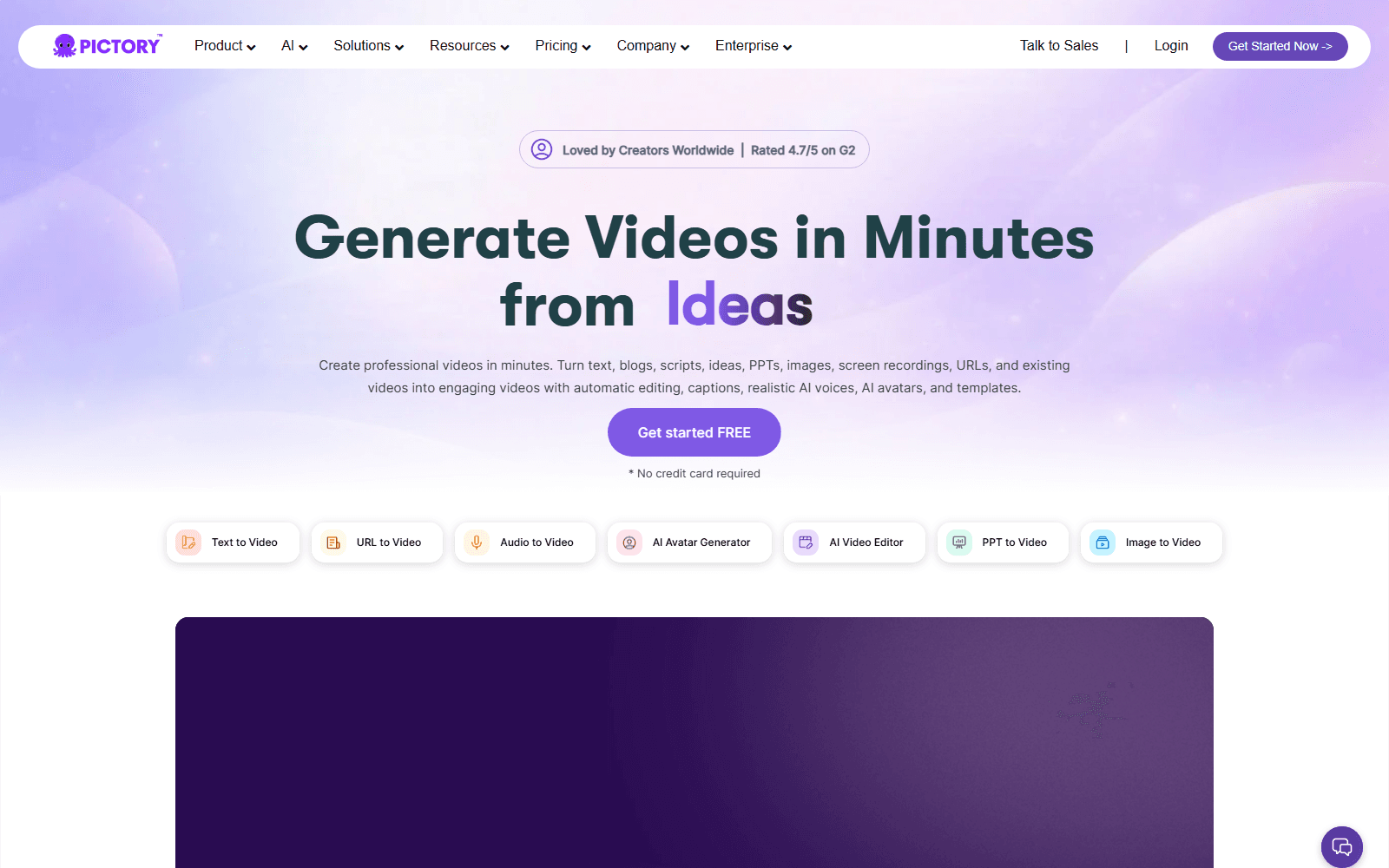
Pictory homepage screenshot

2. Pictory  —  best for turning a blog post or script into stock-footage video fast

Pictory turns a blog post or script into video by matching it to stock footage automatically — InVideo's script mode, from a separate library.

Spec: Starter plan: ~200 min of video creation a month; resolution not published

Catch: A stock-footage matcher, not a generator — an unusual scene may not have a matching clip.

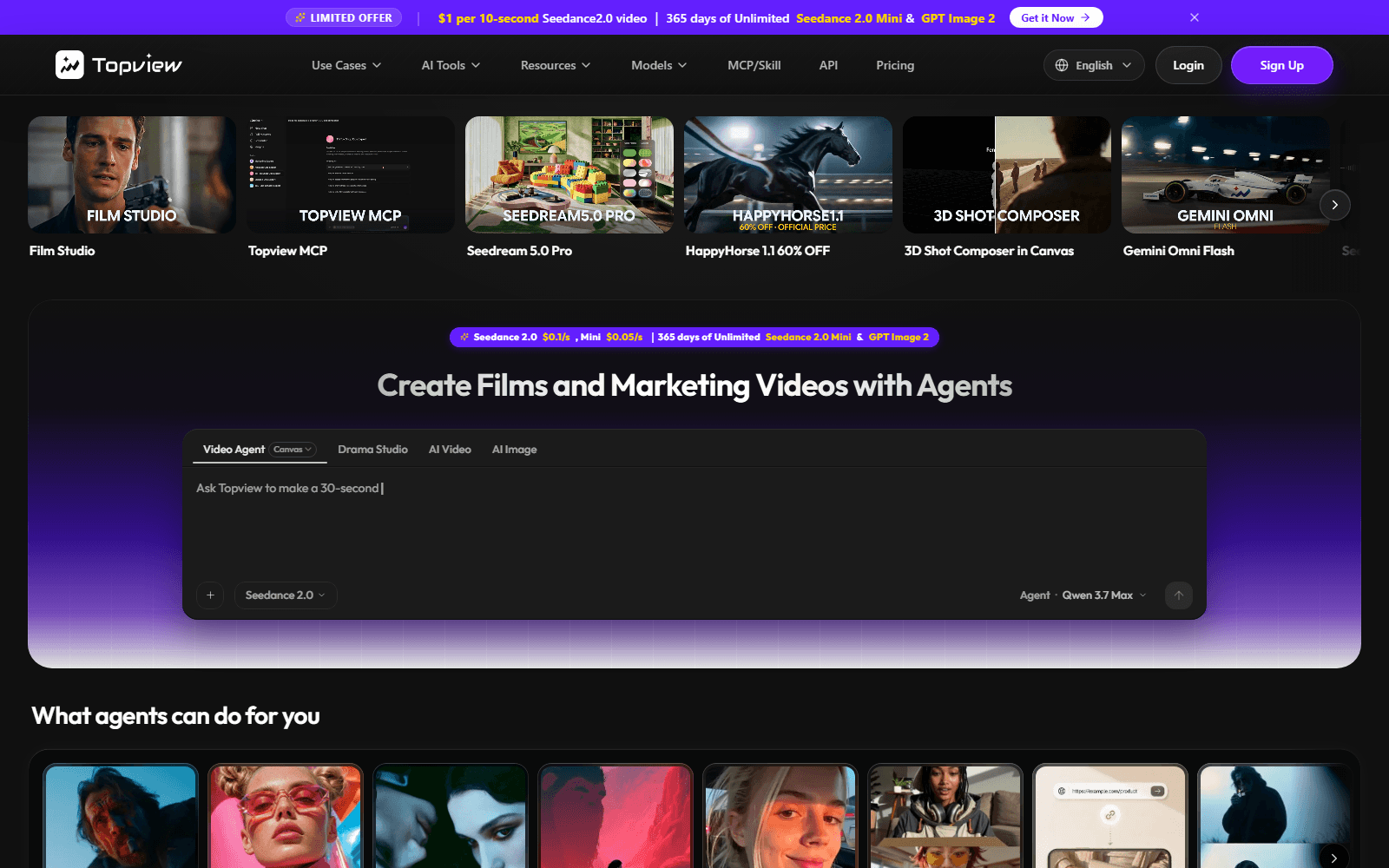
TopView homepage screenshot

3. TopView  —  best for AI-avatar product and ad video generation

TopView is built for AI-avatar product and ad video: feed it a script or image, and an avatar delivers a lip-synced voiceover.

Spec: Avatar video runs up to 180 seconds per clip on its Pro tier

Catch: Every published tier is paid — no way to test it without subscribing.

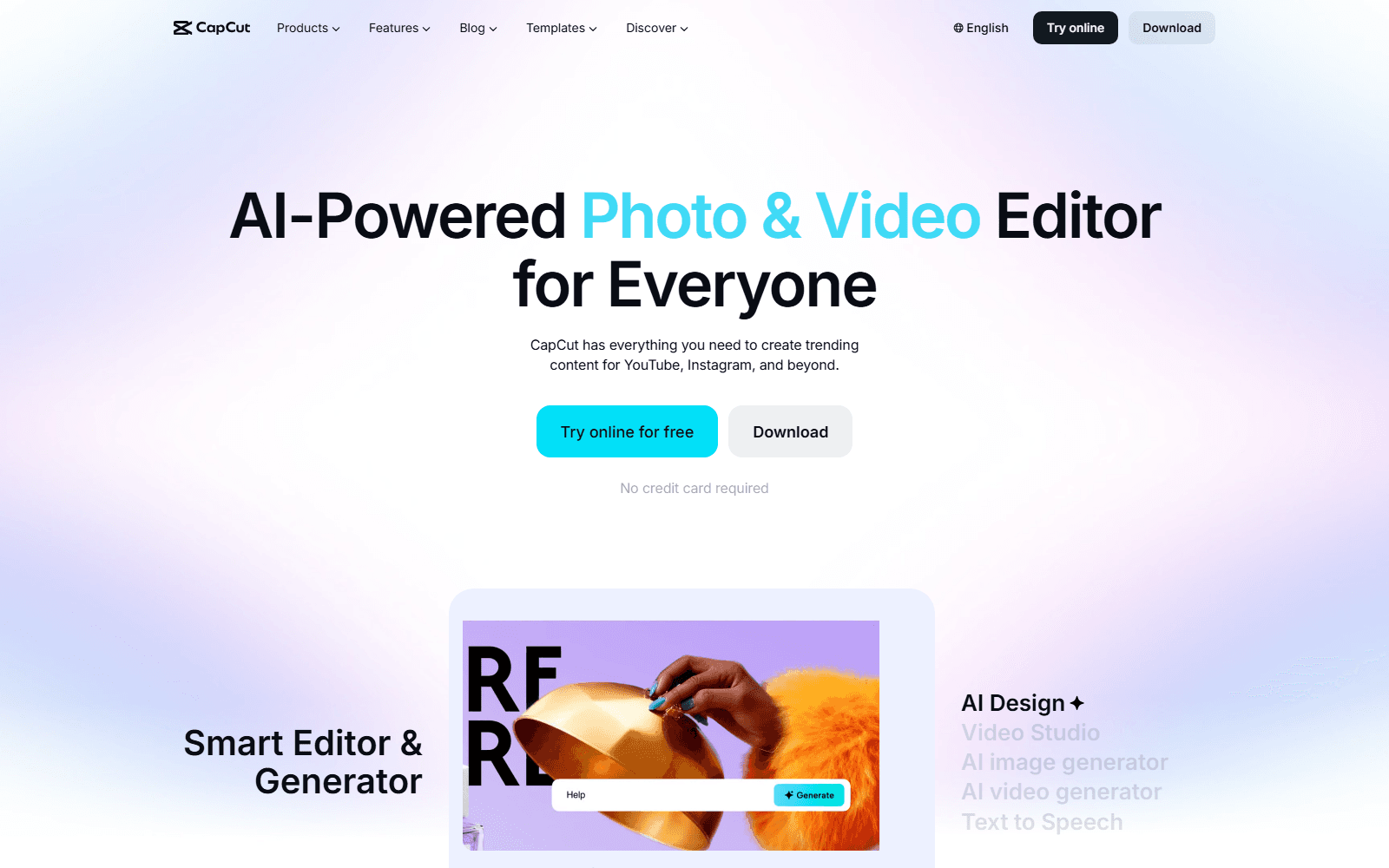
CapCut homepage screenshot

4. CapCut  —  best for fast template-based edits on footage you already have

CapCut is a full timeline editor with a large template library — right when footage already exists and the job is editing, not generating.

Spec: 1080p free; 4K and 60fps export need a paid plan

Catch: Its AI tools sit alongside a template workflow — 4K export needs a paid plan.

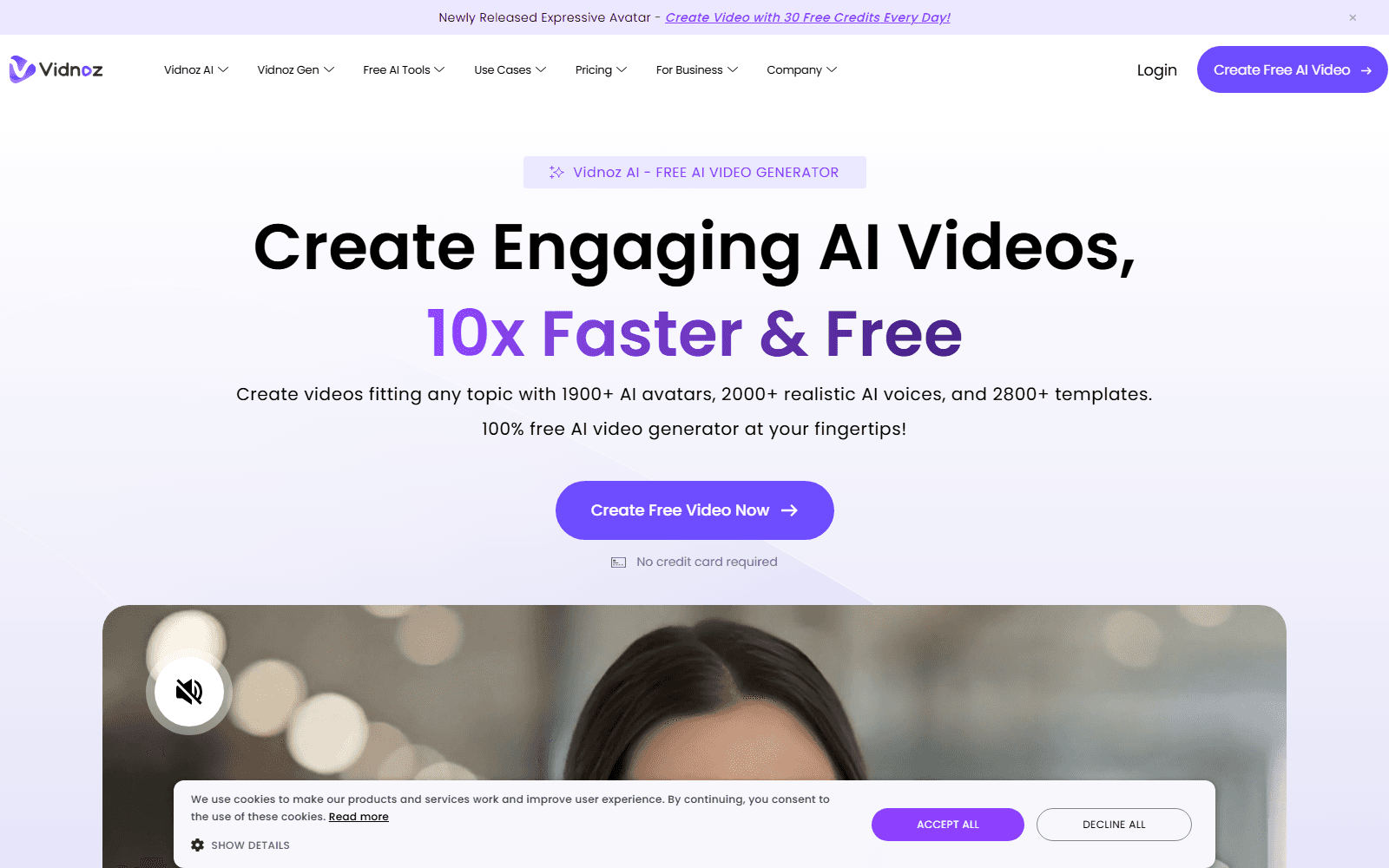
Vidnoz homepage screenshot

5. Vidnoz  —  best for fast templated AI-avatar video in many languages

Vidnoz builds a talking avatar from a template and a script in minutes, with the largest avatar and voice library here.

Spec: 720p on the free tier, 1080p on paid plans

Catch: Free exports carry a watermark, and the 3-minute cap makes it a test tool, not a finisher.

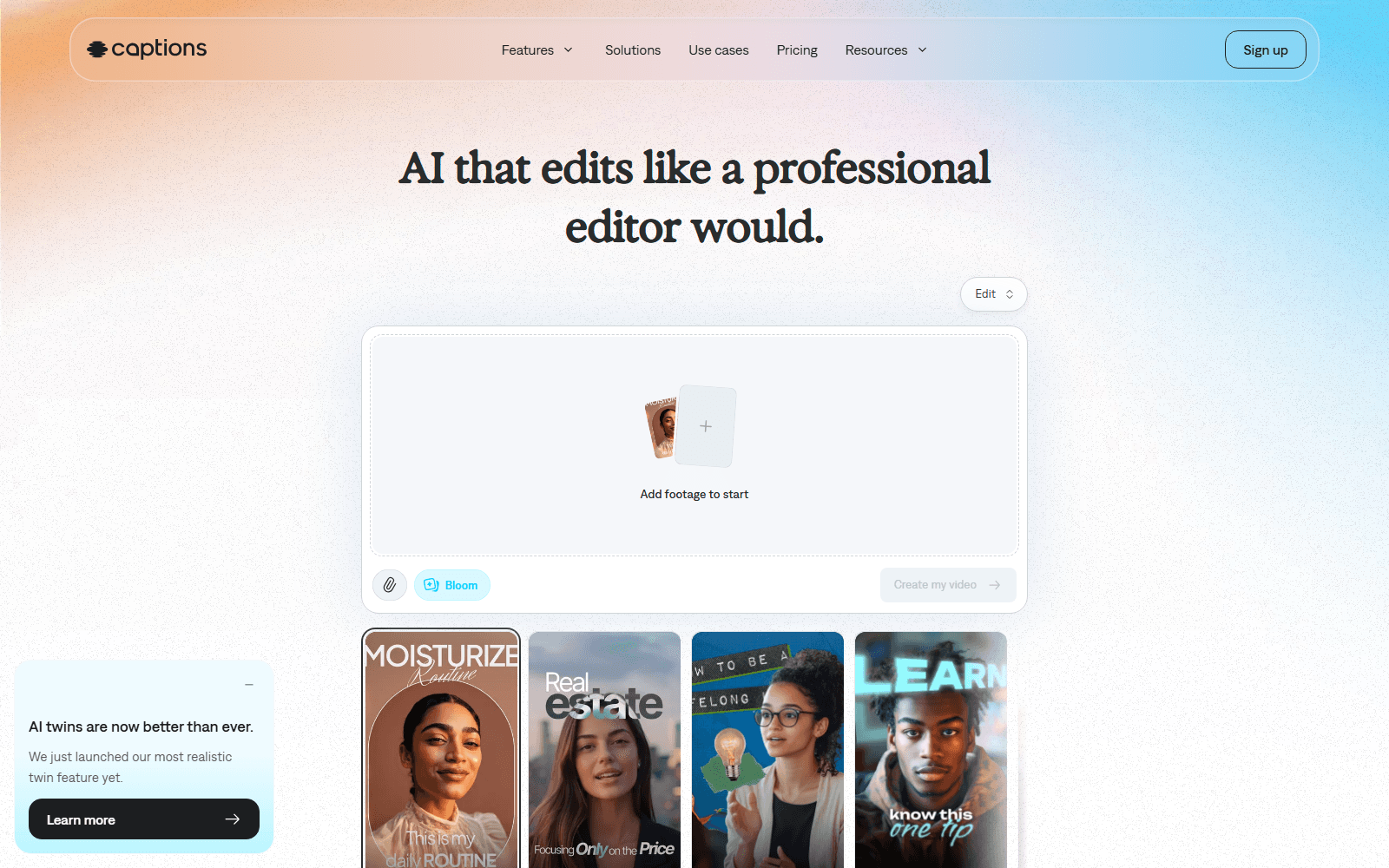
Captions homepage screenshot

6. Captions  —  best for solo-creator talking-head video with auto-captions

Captions pairs an AI twin or digital avatar for talking-head video with auto-captioning, its other feature.

Spec: Not published

Catch: Captioning is free; the AI-twin generation people actually want needs a paid plan — zero AI credits ship free.

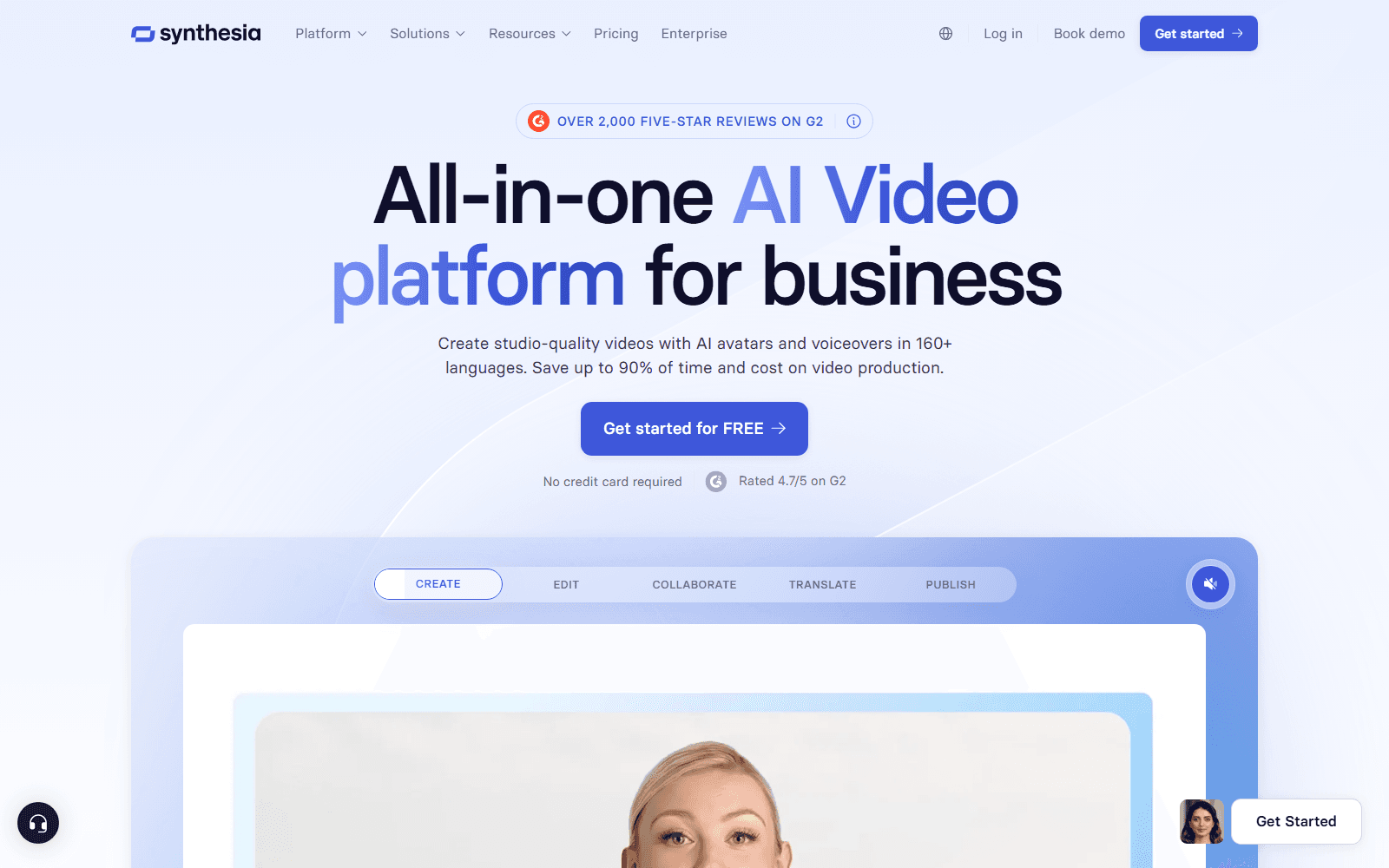
Synthesia homepage screenshot

7. Synthesia  —  best for corporate training video with a stock presenter, no filming

Synthesia is the enterprise pick — stock presenters and bundled-seat plans for training video InVideo doesn't compete in.

Spec: 1920x1080 on every published tier

Catch: A flat monthly subscription with bundled seats, not per-project — a quiet month costs the same as a busy one.

Which of these can you use free?

  • InVideo, CapCut, Pictory, Vidnoz, and getvivix all have a genuine no-card free route, though every one caps resolution, length, or volume, and most leave a watermark.
  • Captions ships free captioning, but zero AI credits — the avatar generation needs a paid plan.
  • TopView is the one platform here with no free plan at all.

Are any of them open source?

None of the seven, including InVideo. Template-driven and avatar tools are hosted products almost without exception — stock libraries, voice licensing, and consent tooling aren't things a downloaded weights file replaces.

Running one of these alongside getvivix

None of the six alternatives above run inside getvivix — different tools for different problems. Where they overlap is the finished export: caption it, clip it, or hand it to an AI presenter here.

Try text-to-video

When getvivix is the wrong choice

If the job is turning a blog post into video with matched B-roll before lunch, go straight to Pictory or InVideo — getvivix has no stock-footage library or blog-URL importer, so the same result means a scene-by-scene prompt instead of a pasted URL.

Questions people ask about InVideo alternatives

What's the best free InVideo alternative?

Vidnoz's free tier gives the most usable output without a card: 3 minutes a day at 720p. Synthesia is more generous per month — 10 minutes at 1920x1080 — but both keep a watermark until you pay.

What's the closest alternative for turning a blog post into a video?

Pictory. It's built around the same script-to-stock-footage workflow as InVideo's script mode, with a bundled AI voiceover allowance on every paid tier.

Can getvivix replace InVideo?

Only for generating original footage, not stock footage. getvivix runs 250+ frontier AI models from a prompt or reference image, with no stock-clip library to match InVideo's template workflow.

How these numbers were checked

getvivix figures here are accurate as of 28 July 2026. Every competitor figure was read from that vendor's own site the same date and may have changed since — confirm before relying on an exact number. No platform's price is stated here, ours included — see our pricing page above for ours.

TRY THE TOOLS