8 best CapCut alternatives in 2026

Checked 28 July 2026against each vendor's own site. No price figures here — ours or anyone else's — see /pricingfor our numbers, and each vendor's site for theirs.

The short answer

getvivix is the best CapCut alternative for generating footage from scratch — 250+ frontier AI models, cost shown upfront. CapCut remains a strong manual editor, but its AI tools sit behind the paid Pro plan, and it runs none of the frontier text-to-video models (Sora, Veo, Kling) a from-scratch workflow needs. Cutting footage you shot? Stay on CapCut. Need it generated? Keep reading.

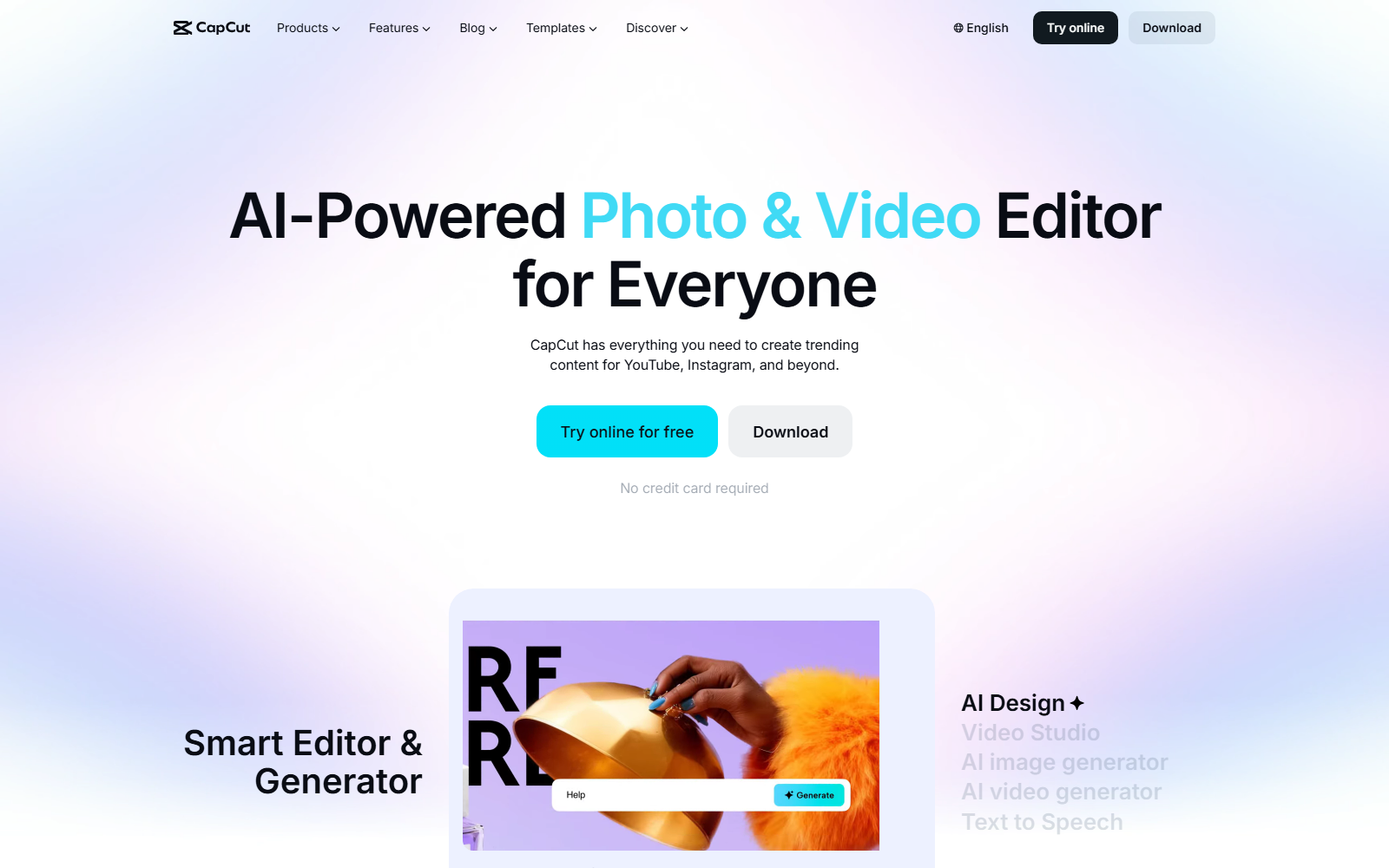
CapCut homepage screenshot

CapCut's homepage, captured 28 July 2026.

Why do people look for a CapCut alternative?

CapCut is a genuinely capable editor with a huge template library — for cutting footage you already have, it holds up well.

  • CapCut's AI tools — motion tracking, background remover, AI generation, auto captions — are Pro-plan only; free-tier cloud storage was also discontinued in August 2024.

  • CapCut has no frontier text-to-video model of its own — its AI tools work on footage and templates, not a prompt generating something new.

How were these 8 picked?

  • Real, checkable facts from the vendor's own site — not a review site's estimate.
  • A genuine same-use-case fit: AI video creation/editing, or a tool CapCut users reach for alongside it.
  • Large, recognized names only, from a fixed pool — no obscure or unverifiable tools.

A research-based comparison of documented specs, sources linked — not a hands-on test.

What does each one actually do?

8 CapCut alternatives, compared by capability, no prices.
PlatformImageVideoAudioFree tierBest for
getvivixYesYesVoice/TTS (no music)Yes — 3 + 3/daygenerating footage from scratch across 100+ AI models
CaptionsNoYesVoice (paid tiers)Editing only, no AI creditsmobile AI editing with built-in auto-captioning
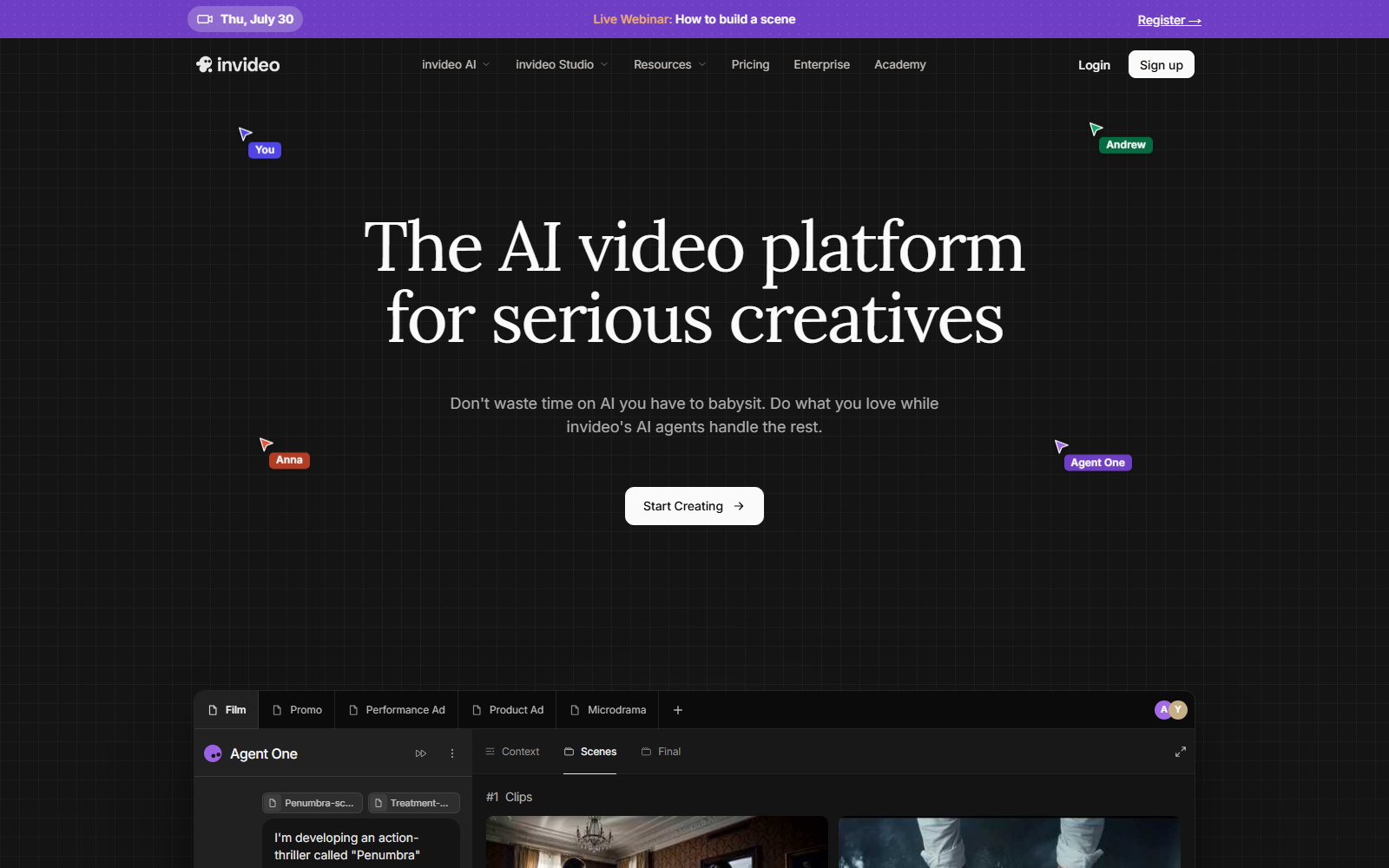
InVideoVia modelsYesVoice (TTS, cloning)Not publicly statedscript-to-video generation via 200+ third-party models
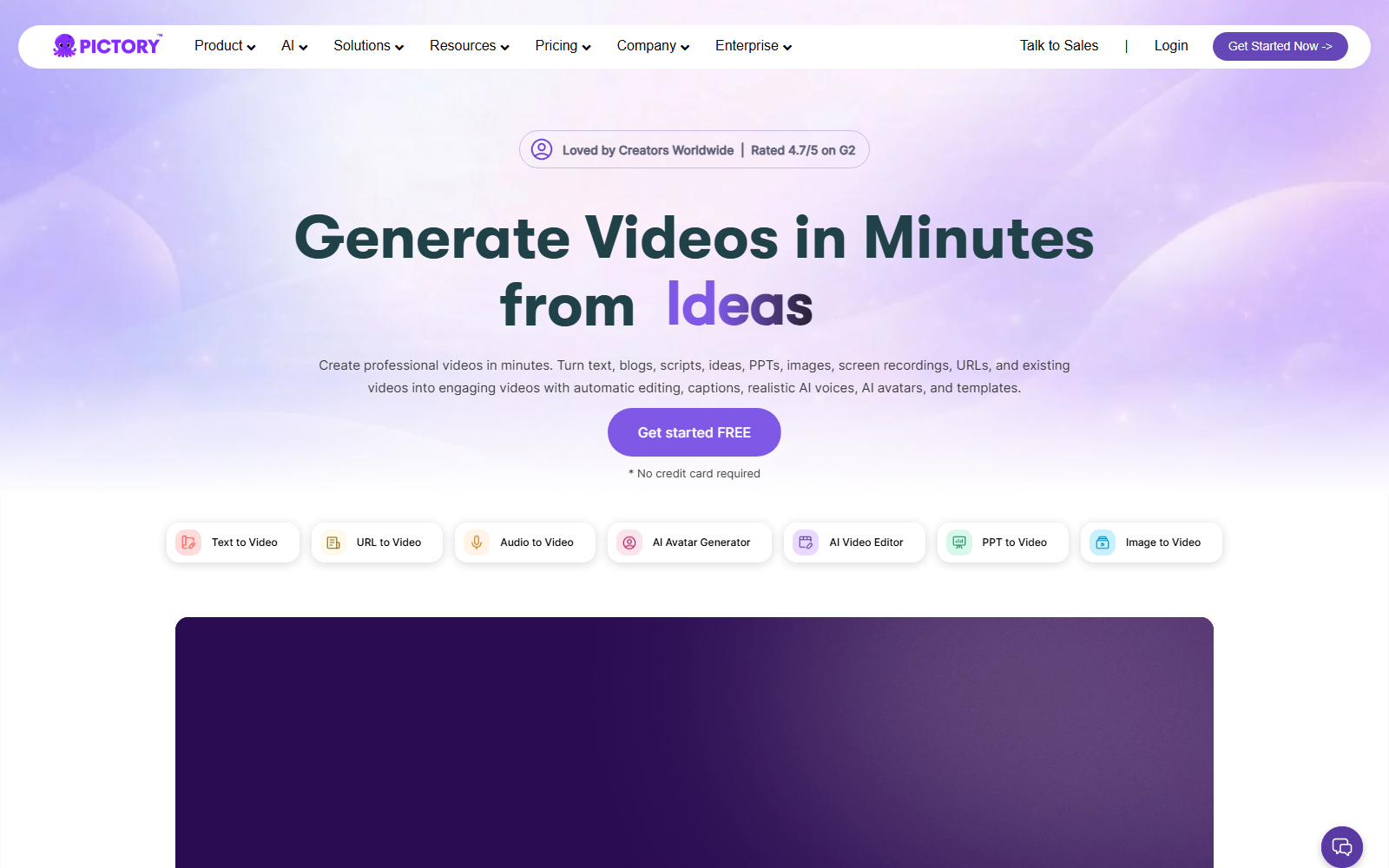
PictoryNoYesVoice (ElevenLabs-powered)No — free trial onlyrepurposing long-form content into short clips
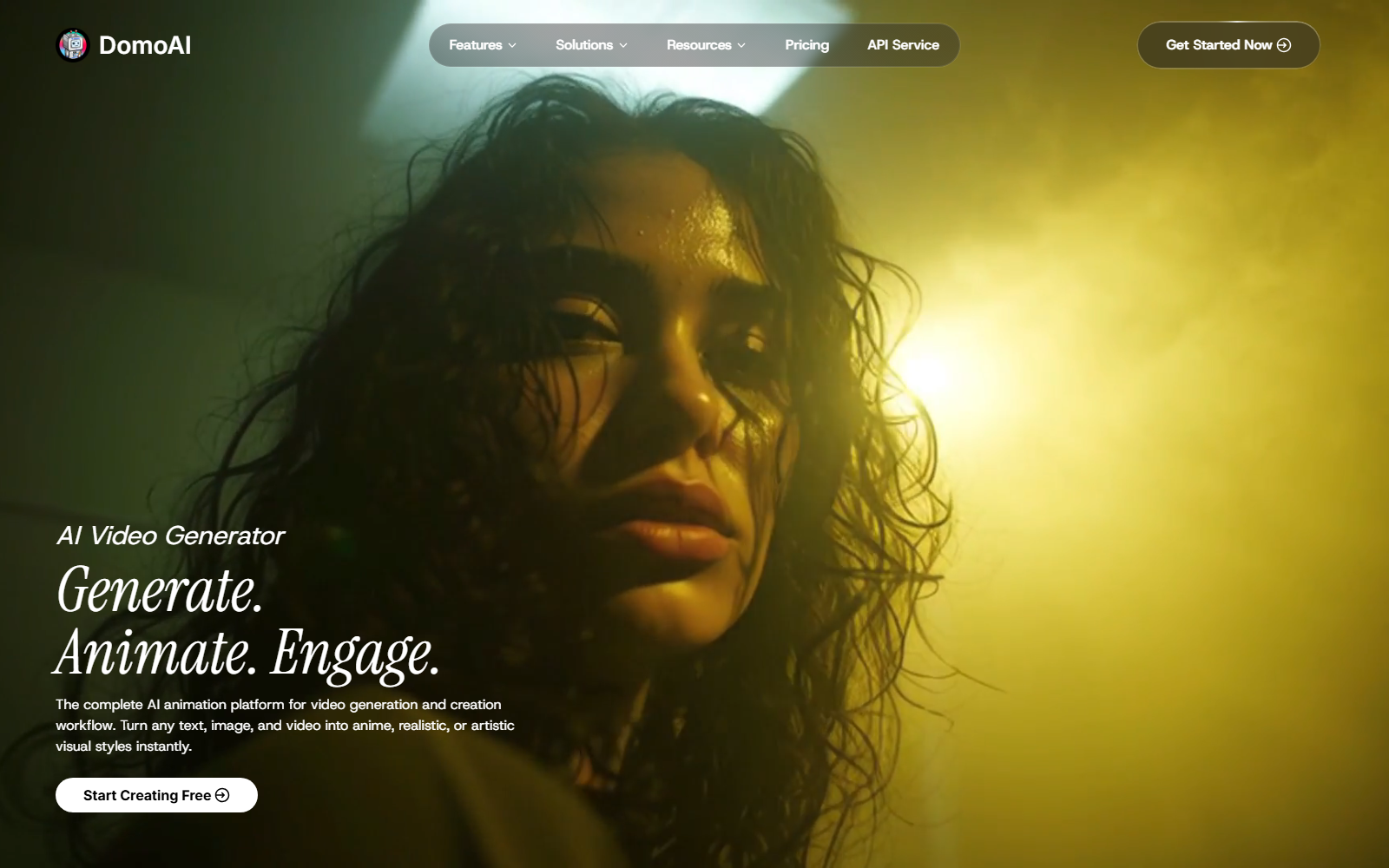
DomoAIYesYes (video-to-video)Voice (TTS)Yes — starter creditsrestyling footage into anime or stylized looks
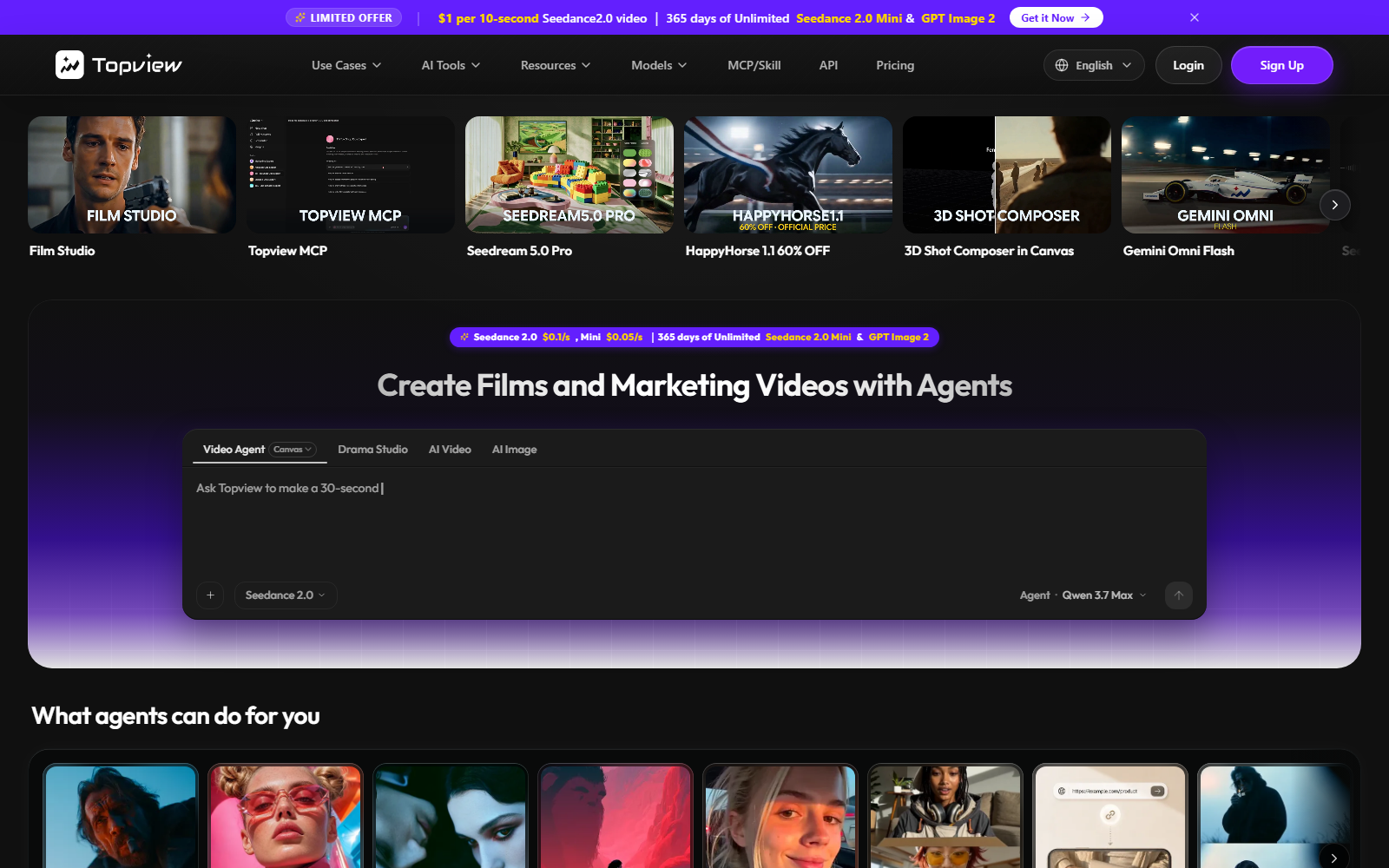
TopViewNoYesVoice (cloning + 3rd-party TTS)Noturning a product link into a UGC-style ad
VidnozNoYes (avatar-based)Voice (large library)Yes — 720p, 3 min/videoAI avatar presenter videos for training and e-learning
ElevenLabsNoNoVoice (TTS, cloning, dubbing)Yes — monthly credit allowancededicated AI voice — TTS, dubbing, cloning

No price column, on purpose — current getvivix numbers live on /pricing; competitor pricing changes too often to keep accurate here.

Which one fits your job?

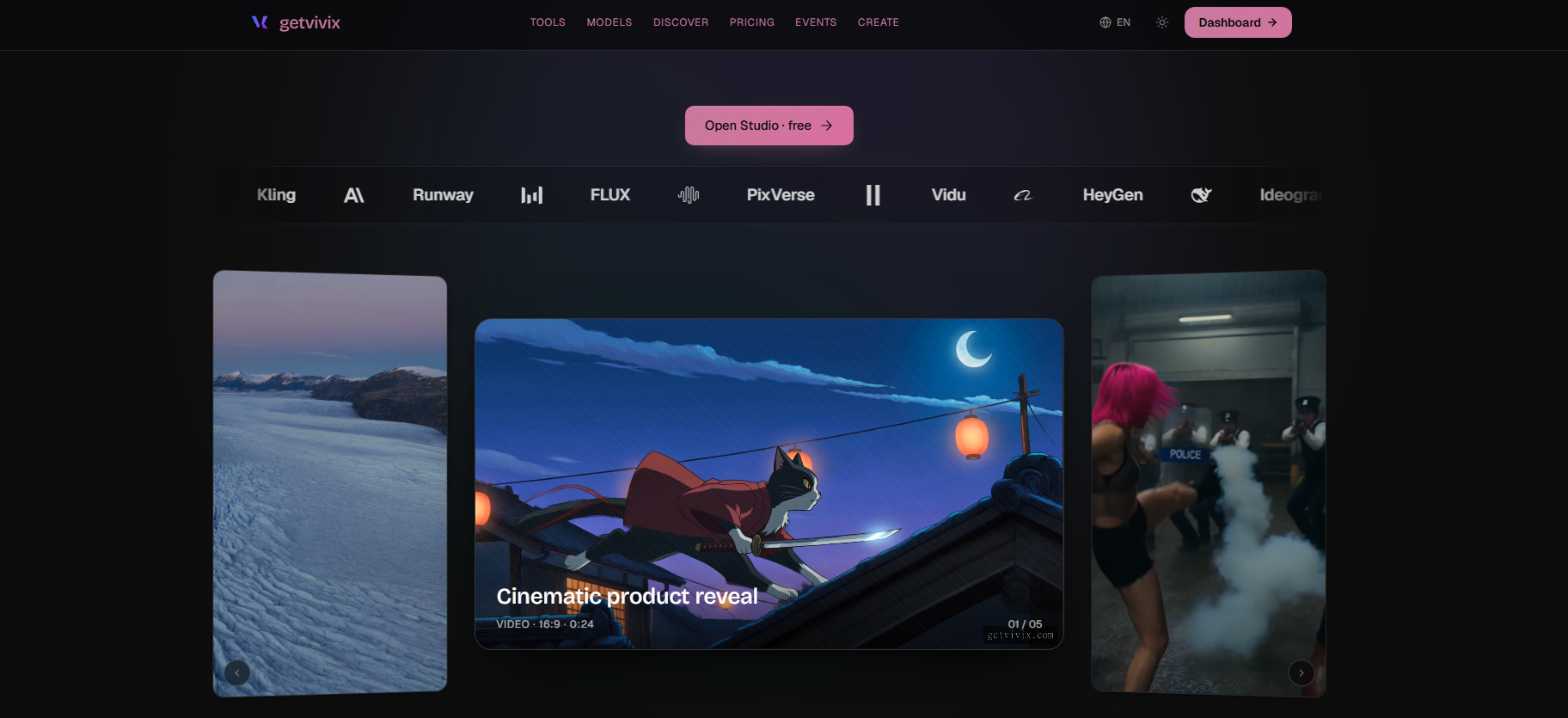
getvivix homepage screenshot

1. getvivix — best for generating footage from scratch across 100+ AI models

250+ frontier AI models in one studio — Sora, Veo, Kling, Runway, and more — cost shown before you click.

Free tier
Yes — 3 on signup plus 3 daily, no card required.
Max resolution / length
Up to 4K on select models (Kling, Seedance), shown per model before generating.
Native audio
Yes — multi-voice TTS. No music generation.
The honest catch:
No timeline editor or frame-by-frame trim — it generates and captions, not a cutting room.
Try getvivix free

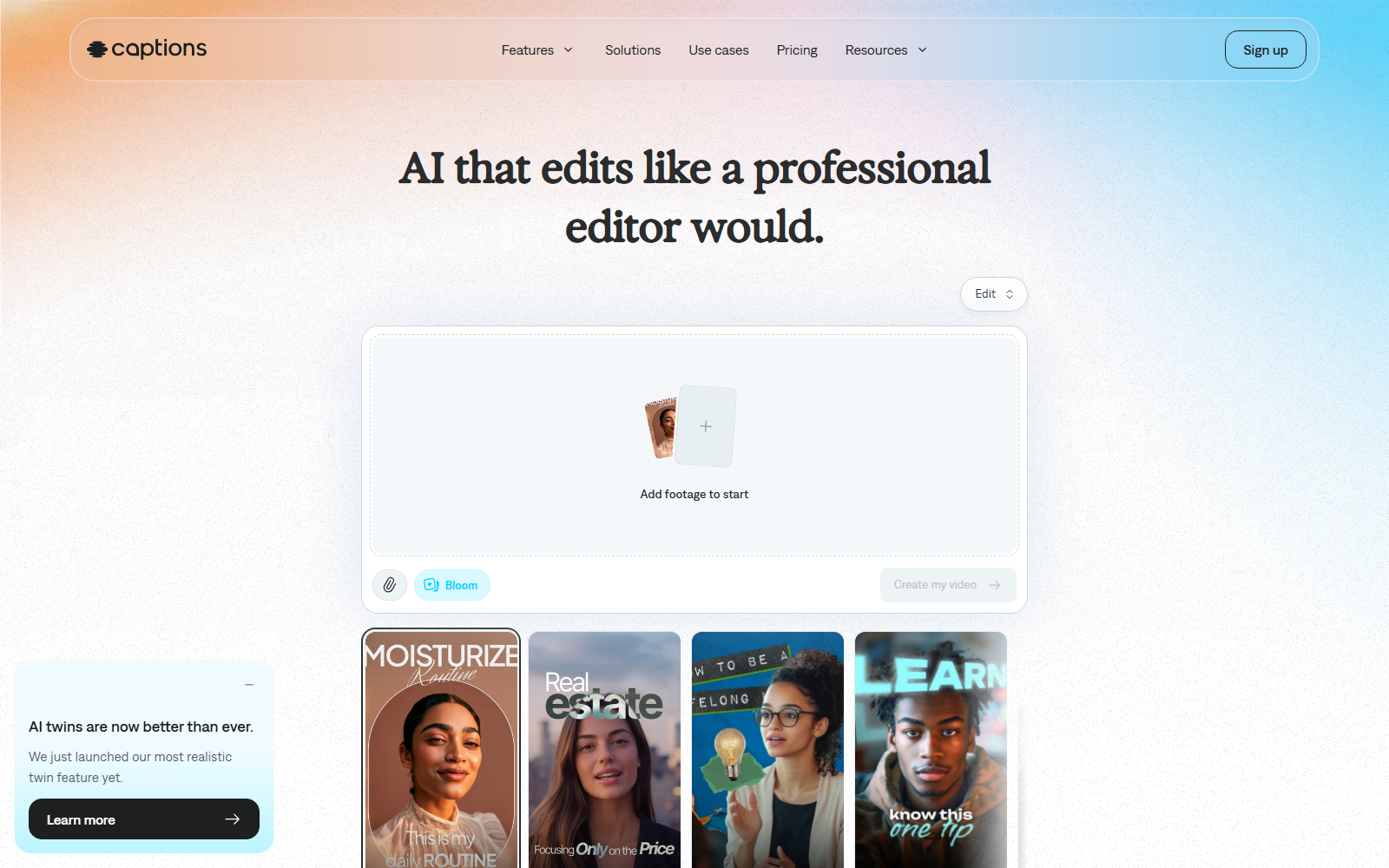
Captions homepage screenshot

2. Captions — best for mobile AI editing with built-in auto-captioning

A mobile editor with generative AI footage and AI actors, for skipping filming entirely.

Free tier
Free plan covers trim, transitions, captions in 100+ languages — no AI credits.
Max resolution / length
Not publicly stated.
Native audio
AI Voiceover and Voice Clone, paid-tier only.
The honest catch:
Its main draw — generative footage, AI actors — sits behind a paid tier.
InVideo homepage screenshot

3. InVideo — best for script-to-video generation via 200+ third-party models

Turns a prompt into an edited video; paid plans add 200+ third-party models plus stock.

Free tier
No free tier — only Individual and Team/Enterprise plans.
Max resolution / length
Not publicly stated.
Native audio
AI voice generation and cloning, naming ElevenLabs and MiniMax among its models.
The honest catch:
The 200+ models are real but third-party — check the tab before assuming inclusion.
Pictory homepage screenshot

4. Pictory — best for repurposing long-form content into short clips

Repurposes long content — webinars, blogs, YouTube — into short clips, billed by the minute.

Free tier
No persistent free tier — a free trial exists, terms unlisted.
Max resolution / length
Starter: 2,400 min/year; Professional: 7,200 min/year. Resolution not stated.
Native audio
Starter includes 60 ElevenLabs voice-minutes/month in 29 languages; higher tiers add cloning.
The honest catch:
No free-forever route — once the trial ends, output is metered by the minute.
DomoAI homepage screenshot

5. DomoAI — best for restyling footage into anime or stylized looks

Video-to-video style transfer — upload a clip, apply a style, get it back reanimated.

Free tier
Free plan with unpublished starter credits; Relax Mode generates without spending credits, slower.
Max resolution / length
Pro: 20–30s clips in Fast Mode; Standard/Basic capped shorter.
Native audio
Text-to-speech on every tier; monthly quota scales by plan.
The honest catch:
Transforms footage you already have — doesn't generate new footage from a prompt.
TopView homepage screenshot

6. TopView — best for turning a product link into a UGC-style ad

Built for ecommerce and social ads — feed it a product or TikTok link for a scripted, voiced cut.

Free tier
No free tier — every published plan is paid.
Max resolution / length
720p on Seedance 2.0, 1080p on Kling 2.6; Avatar 4 caps near 180s per clip.
Native audio
Voice cloning (a few free, then metered) plus OpenAI and ElevenLabs narration.
The honest catch:
Built for ad scripts, not general creative or narrative editing.
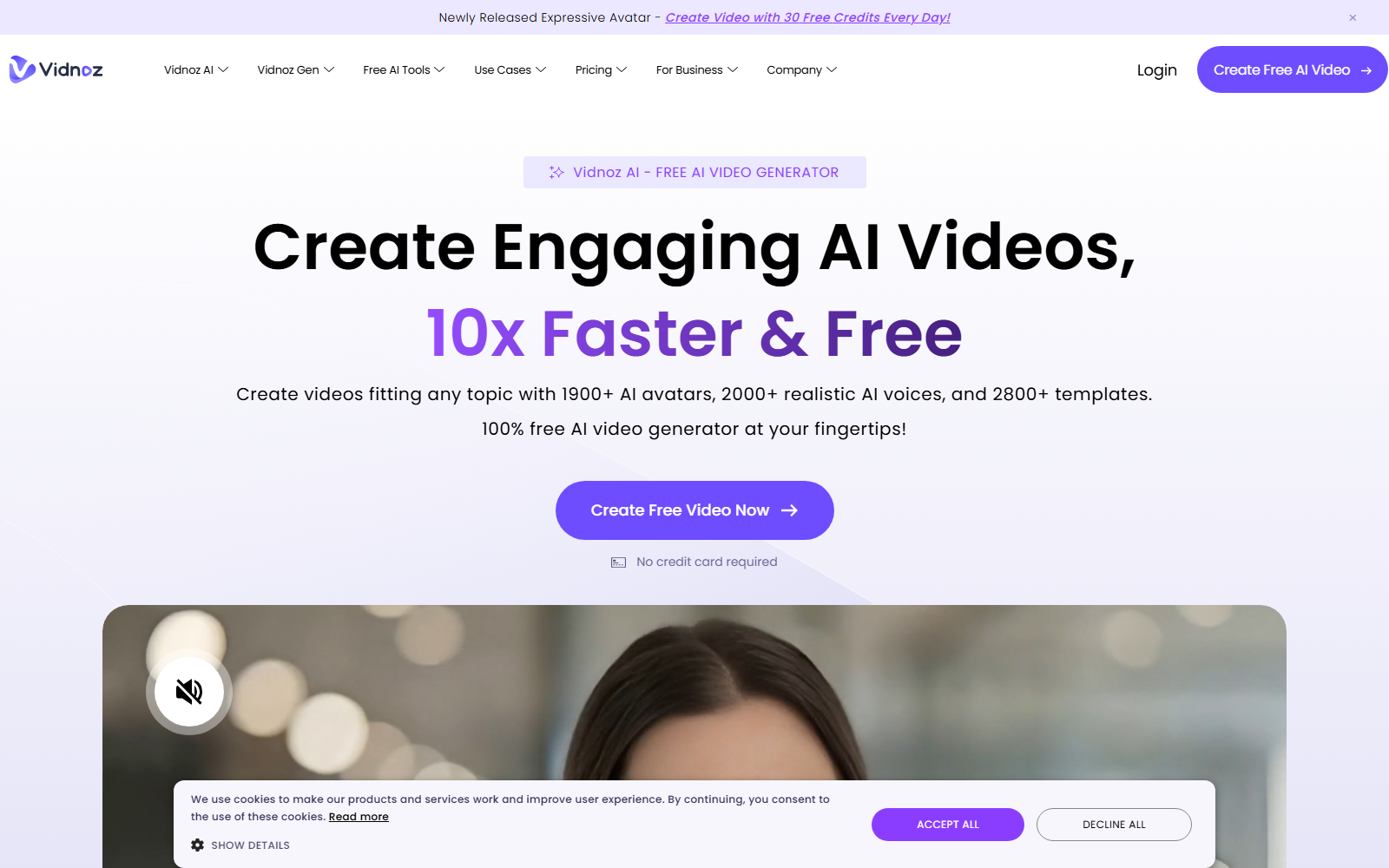
Vidnoz homepage screenshot

7. Vidnoz — best for AI avatar presenter videos for training and e-learning

Leans on scale — 1,800+ avatars, 3,200+ templates, 890+ voices — for training, not creative editing.

Free tier
Daily credits, capped at 3 min/video and 720p on the free plan.
Max resolution / length
Free: 720p, 3 min/video. Paid: up to 1080p, 60 min/video.
Native audio
Avatars ship with natural tone, gestures, lip-sync; cloning is a paid add-on.
The honest catch:
Free exports cap at 3 minutes and 720p — enough to test, not to ship.
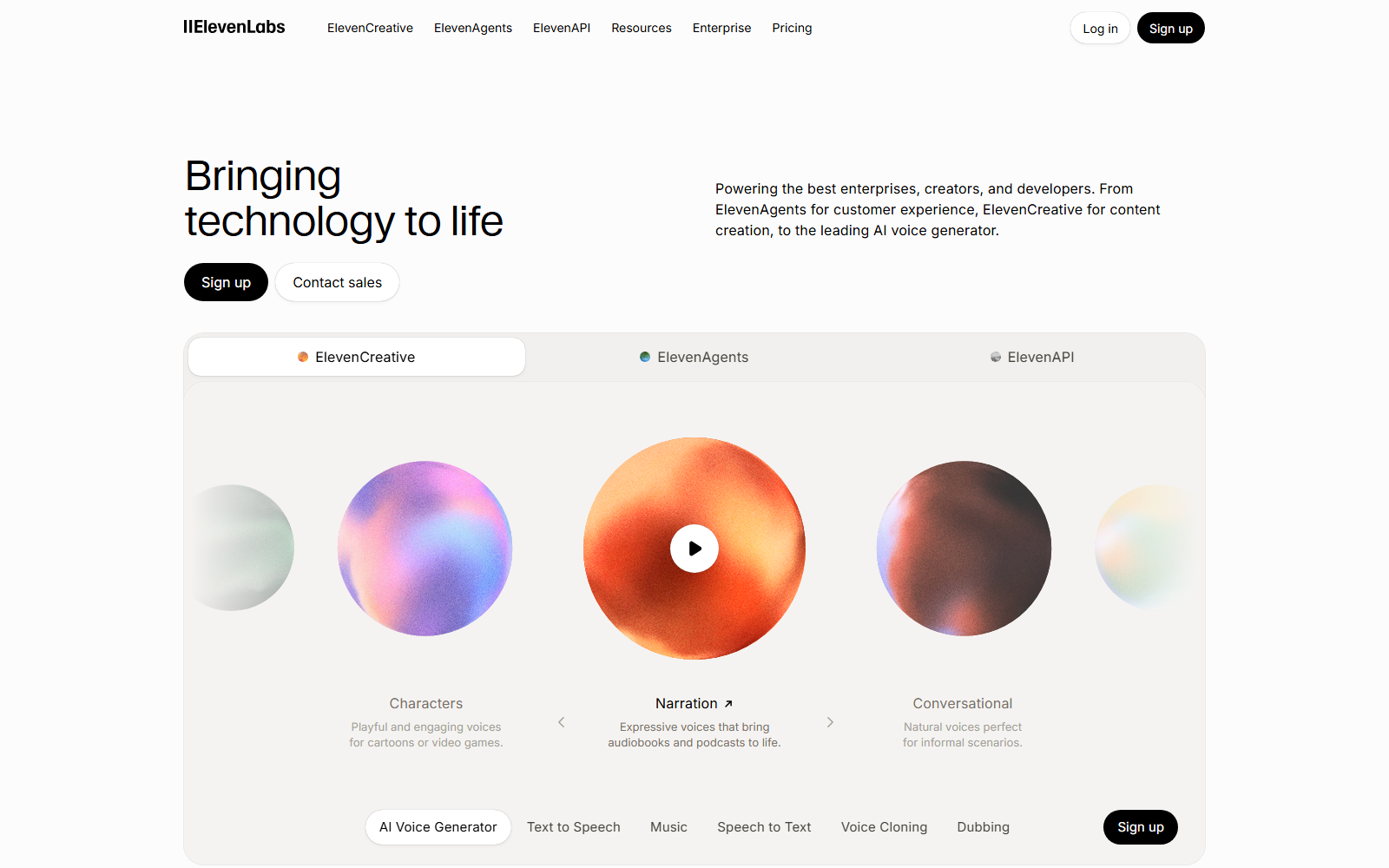
ElevenLabs homepage screenshot

8. ElevenLabs — best for dedicated AI voice — TTS, dubbing, cloning

Does one job well — TTS, speech-to-text, sound effects, voice design, dubbing — no video.

Free tier
10,000 credits/month covering TTS, speech-to-text, sound effects, voice design, 3 Studio projects; no rollover.
Max resolution / length
Not applicable — audio only, no video export.
Native audio
Yes — it is the audio product.
The honest catch:
No video editor at all — pair it with CapCut, getvivix, or another editor for the cut.

If your job is X, use Y

Which tool suits which job
If your job isUseWhy, in one line
Generating footage from a text promptgetvivix100+ models, cost shown upfront
Cutting footage you already shotCapCutthe only one with a real timeline editor
Auto-captioning a talking-head clipgetvivix or Captionsboth auto-caption to 9:16
The best AI voice on its ownElevenLabsdedicated voice model, nothing else to configure
A UGC-style ad from a product linkTopViewbuilt for that one workflow

Running getvivix alongside CapCut

Most people want a generation layer in front of CapCut, not a replacement: generate the shot in getvivix, caption it with Caption Studio, then cut in CapCut.

When getvivix is the wrong choice

Trimming to the frame, layering tracks, using CapCut's templates — its manual editor does that; getvivix has no timeline. Bring getvivix in only for shots you need generated from nothing.

Try getvivix free

Questions people ask about CapCut alternatives

Is getvivix a good CapCut alternative?

Depends on the job: getvivix runs 100+ models for prompt-generated footage, which CapCut can't do natively; CapCut's timeline editor handles cutting footage you already shot, which getvivix can't.

Is there a free CapCut alternative on this list?

Most of them: getvivix, Captions, DomoAI, and Vidnoz all have a persistent free tier. Pictory is trial-only; InVideo and TopView show none.

Which of these caption videos the way CapCut does?

getvivix's Caption Studio, Captions, and InVideo (auto-subtitles) all do. CapCut's own auto caption generator is a Pro-plan feature.

How these numbers were checked

Our model count and free-credit figures are live from the catalog and ledger, generated 29 July 2026. Every competitor fact above was read from that vendor's own page on 28 July 2026 — see the links inline.

CapCut, Captions, InVideo, Pictory, DomoAI, TopView, Vidnoz, and ElevenLabs are trademarks of their respective owners. getvivix is independent and not affiliated with any of them.

TRY THE TOOLS